Canva template · Printable PDF
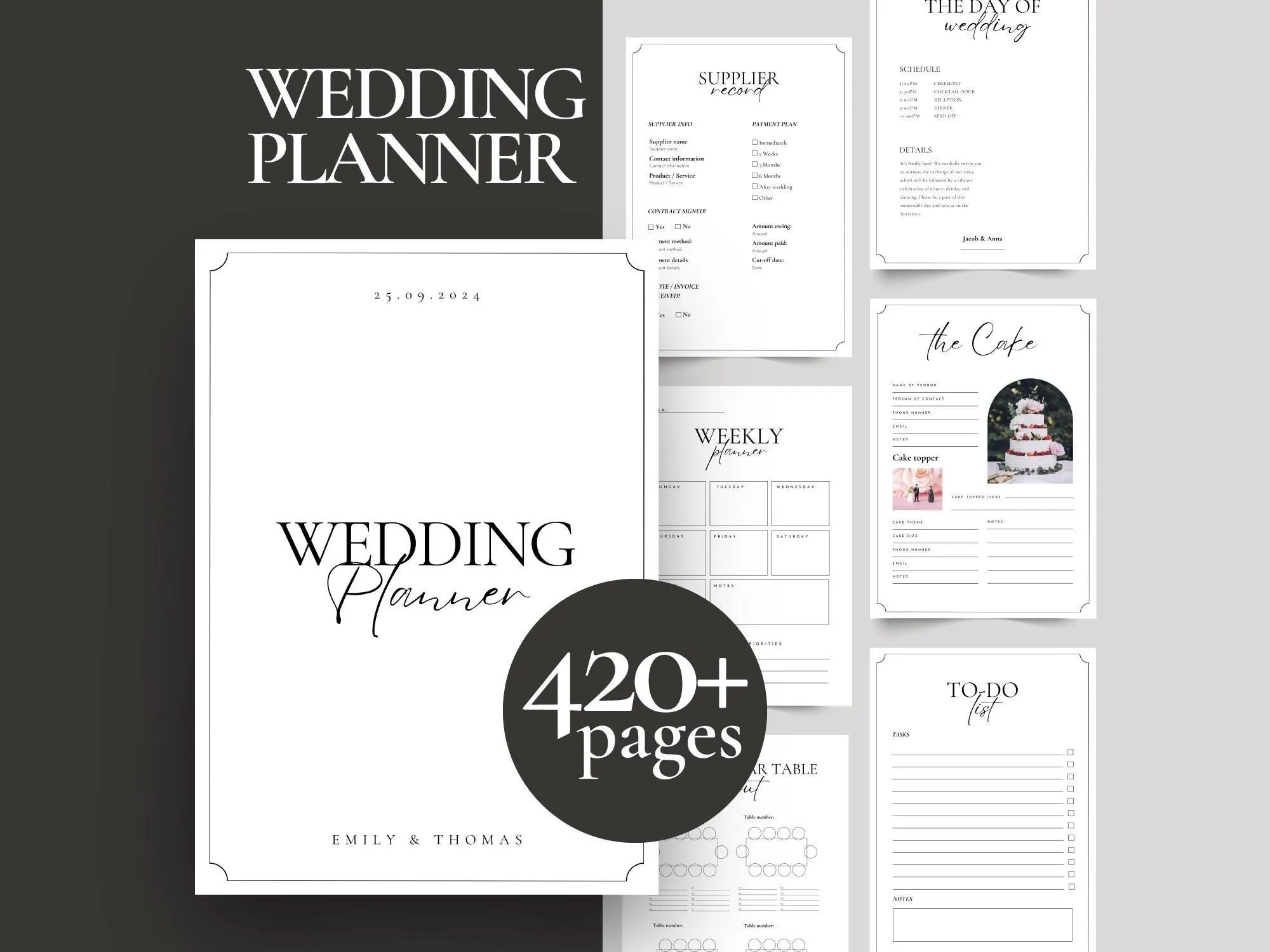
Printable Wedding Planner Binder – 420+ Pages
$14.00
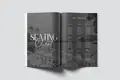
Canva template · Printable magazine
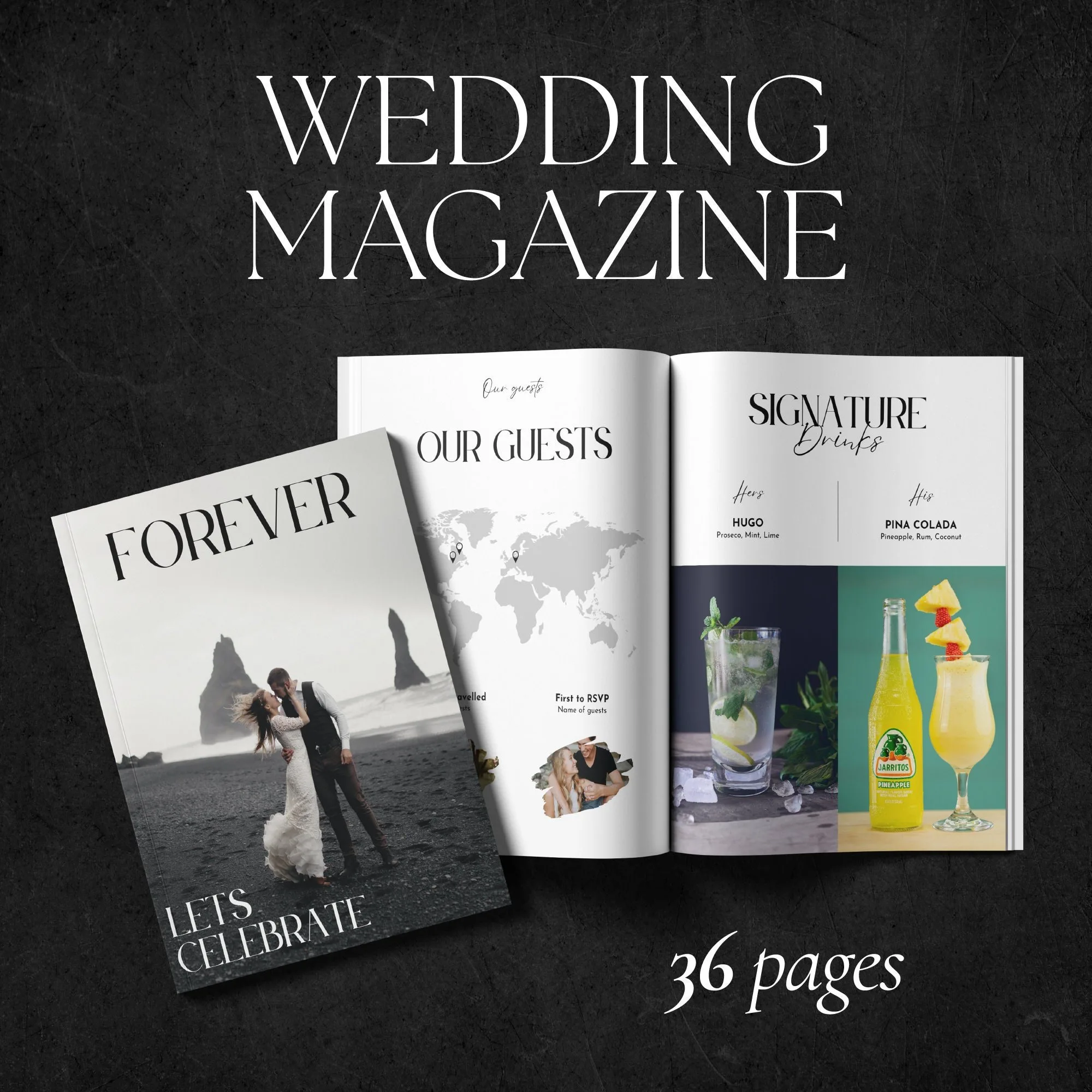
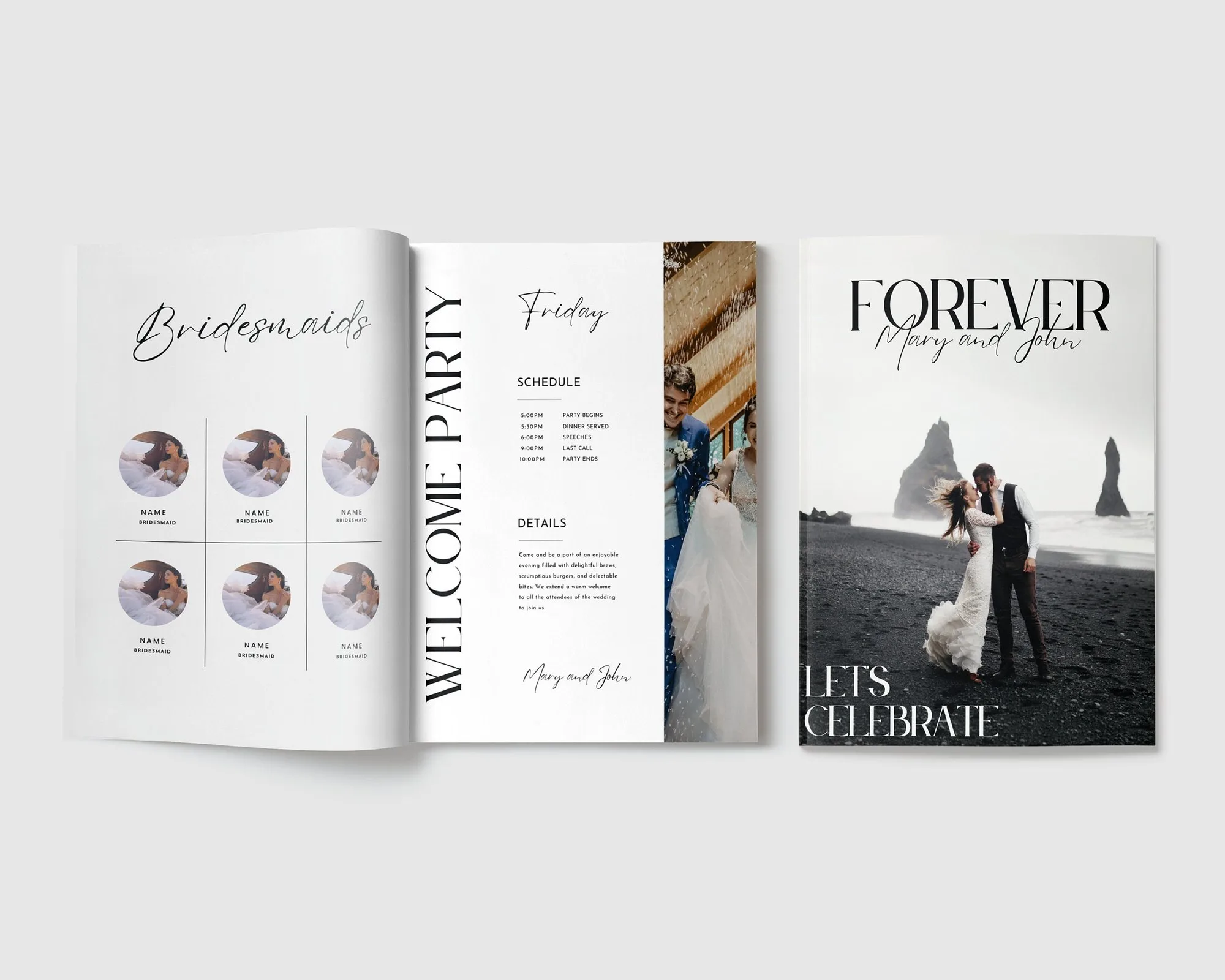
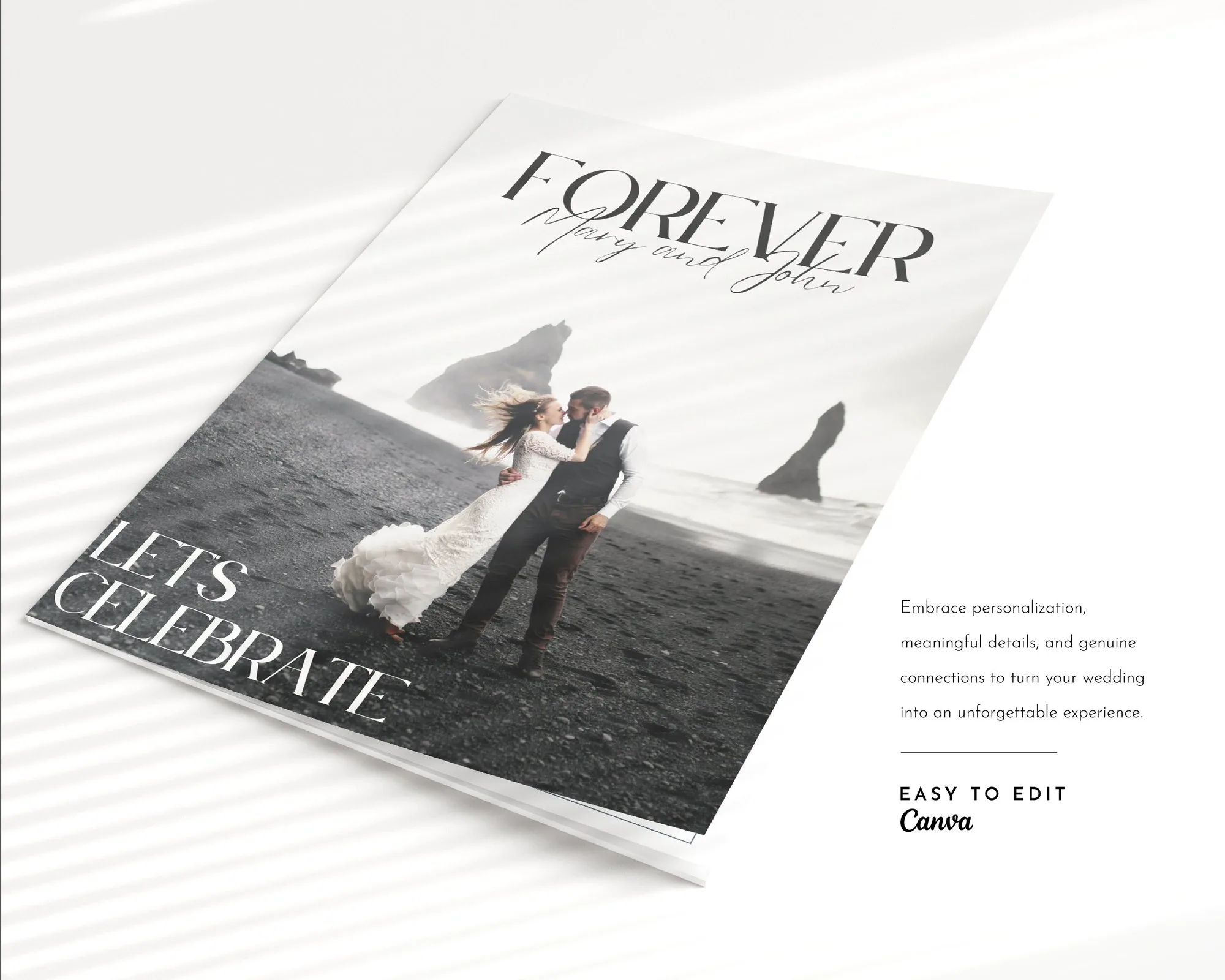
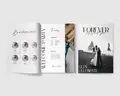
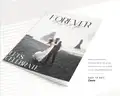
A 36-page wedding magazine that doubles as your programme – your love story, the day's timeline, menus and games, in glossy editorial style.
$15.00
This template will be available here very soon.
A PDF with your Canva template link – edit the magazine in a free Canva account, then download a print-ready PDF.
Digital product – nothing will be shipped. Personal use license (details).
Guests get the timeline, menu and seating – and a magazine they'll actually take home.
Big photos and elegant typography that look like a real fashion magazine.
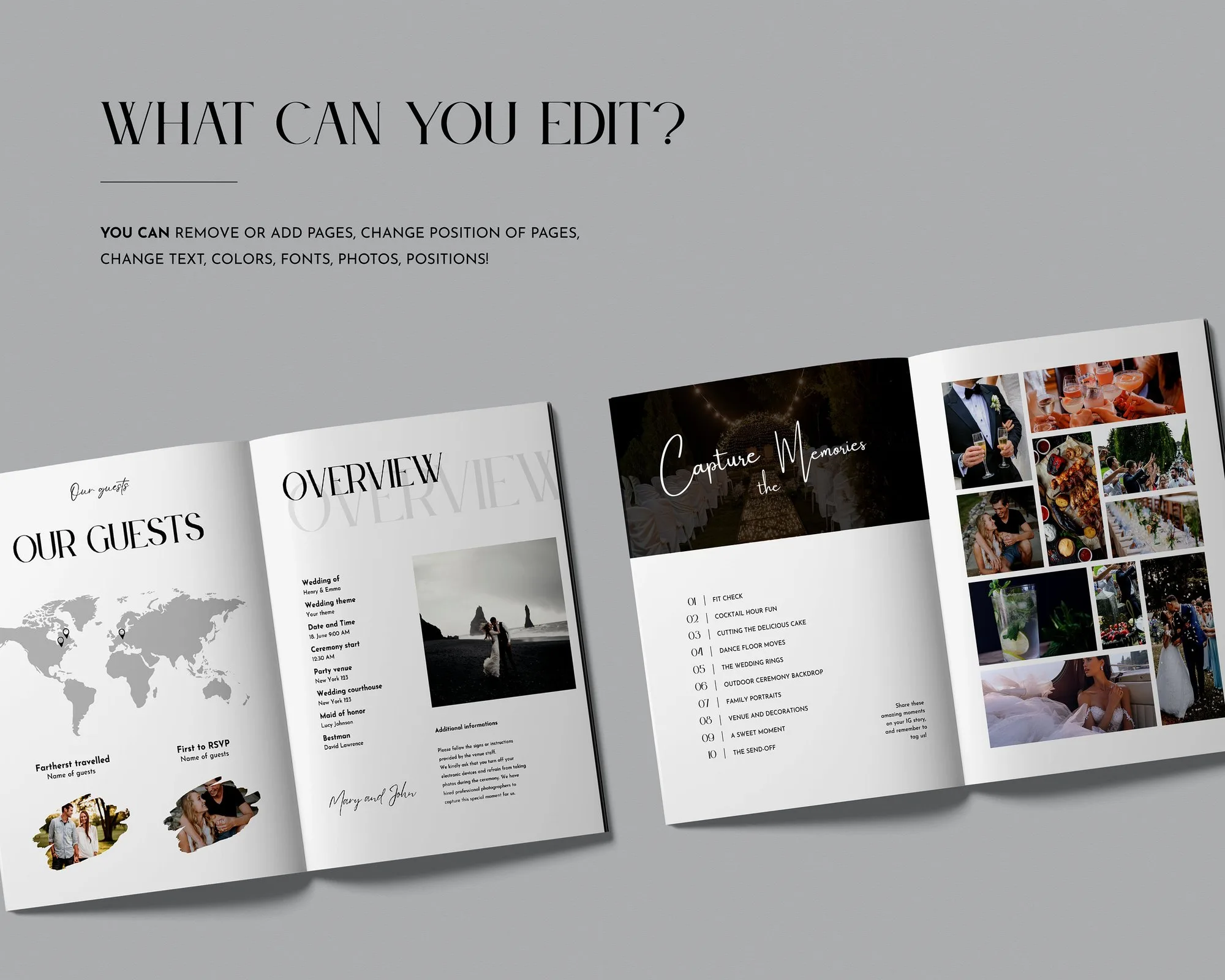
Change every text, photo, colour and page order in free Canva.
Paper programmes usually end up on the table. A wedding magazine ends up on the coffee table. This 36-page template turns your story and your wedding day into a glossy, editorial-style magazine that informs guests and becomes a keepsake.
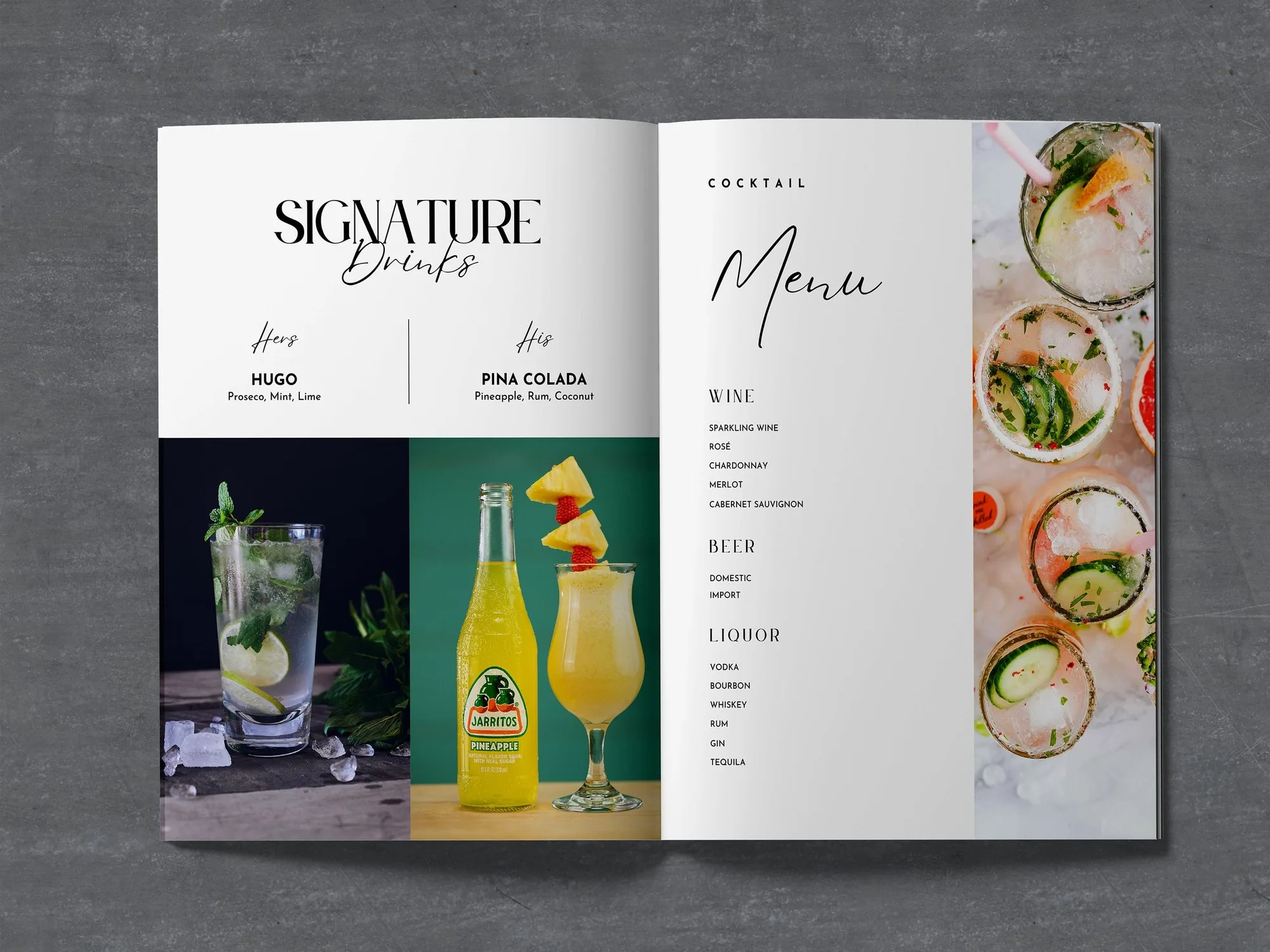
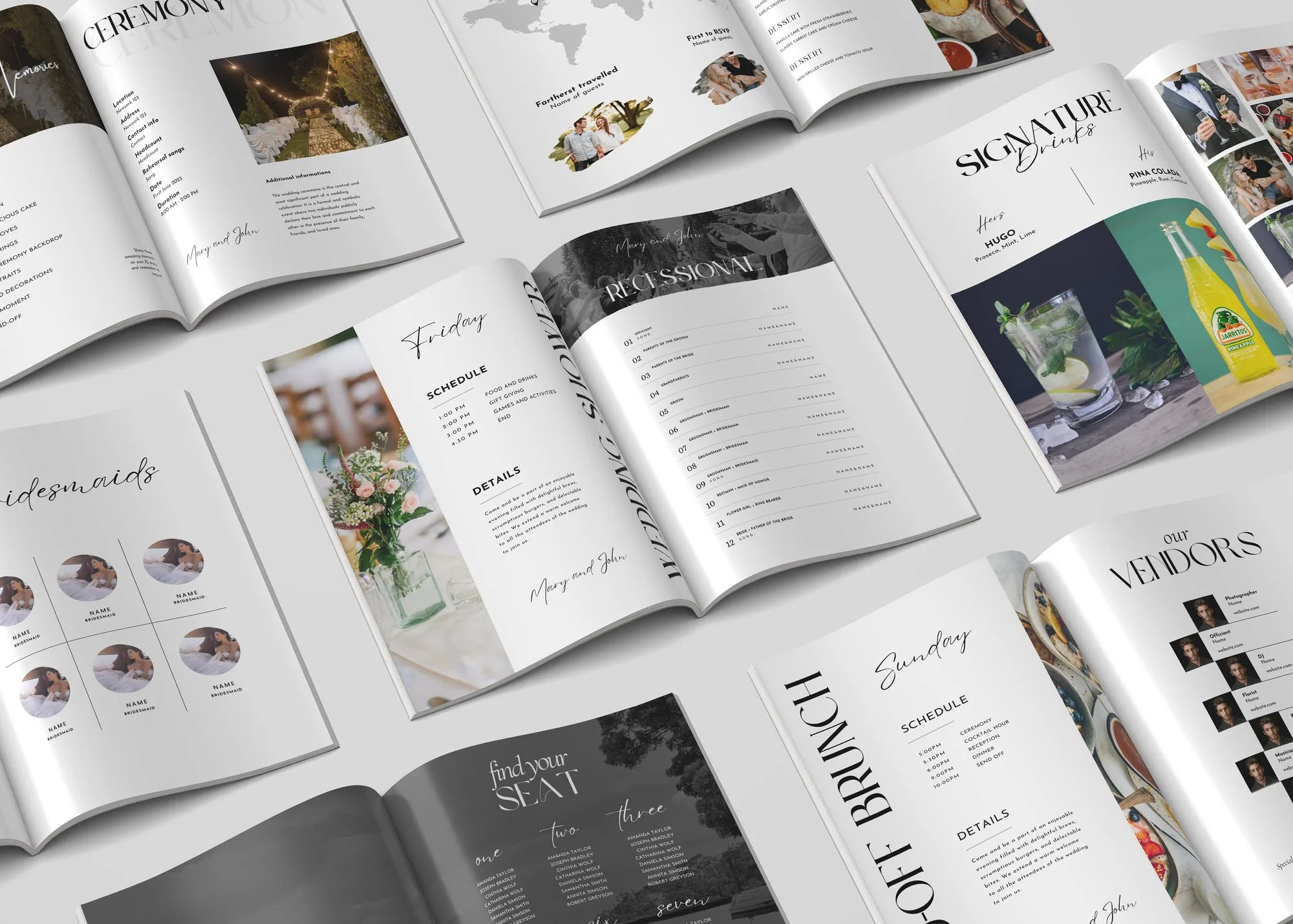
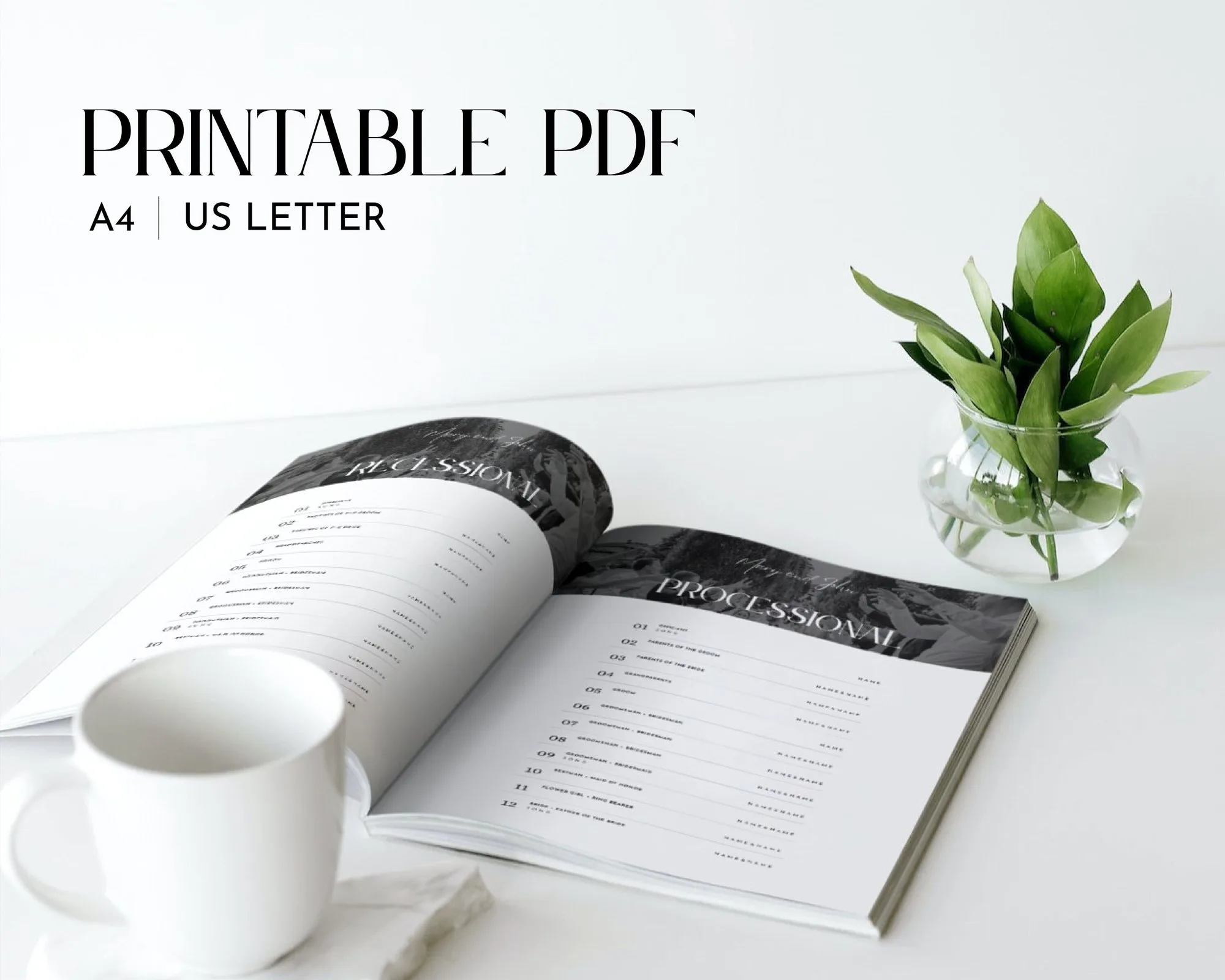
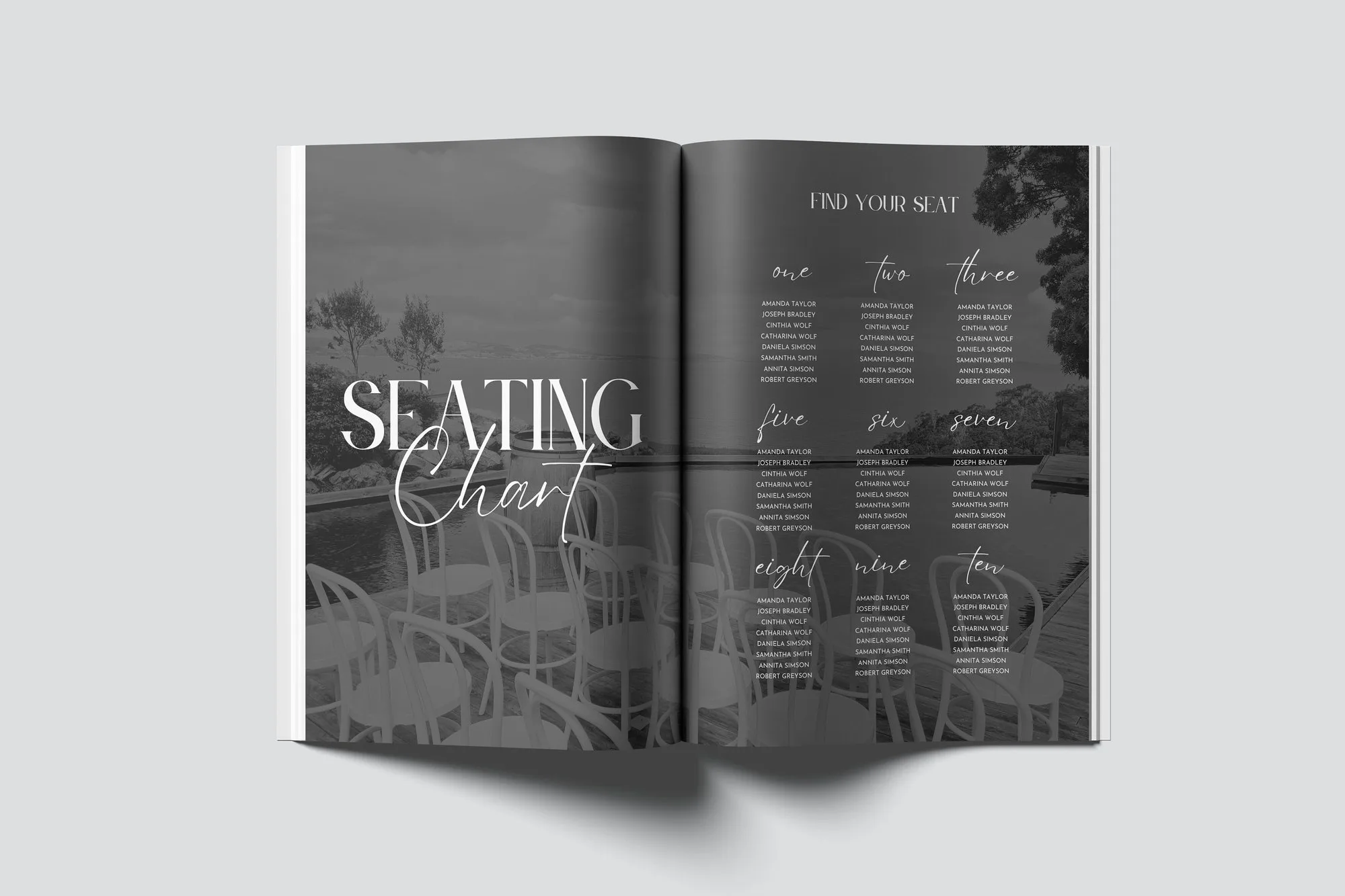
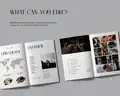
Start with your story – how you met, the proposal and your favourite moments together. Then give guests everything they need for the day: the wedding weekend overview, ceremony details, processional and recessional, the timeline, seating chart, signature drinks and the dinner menu. Fun pages like a word quest and “capture the memories” keep guests entertained between courses.
Every page is editable in a free Canva account. Replace the sample photos with your engagement shoot, rewrite the texts (or keep our prompts), reorder pages and adjust colours to your palette. When you’re done, download a print-ready PDF.
Use it as a printed programme, a welcome gift in hotel bags, or a digital magazine you send to guests after the wedding.
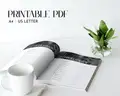
Download a PDF from Canva and send it to an online printer or print shop that prints saddle-stitched booklets. Many couples print 1 magazine per couple or household.
Yes – the ceremony, processional and timeline pages are designed exactly for that.
Right after payment you get a download page and an e-mail with your links. A PDF with your Canva template link – edit the magazine in a free Canva account, then download a print-ready PDF.
Because the files are delivered instantly, digital downloads can’t be returned. If anything is wrong with your files, write to us and we’ll fix it or refund you – promise.
Canva template · Printable PDF
$14.00
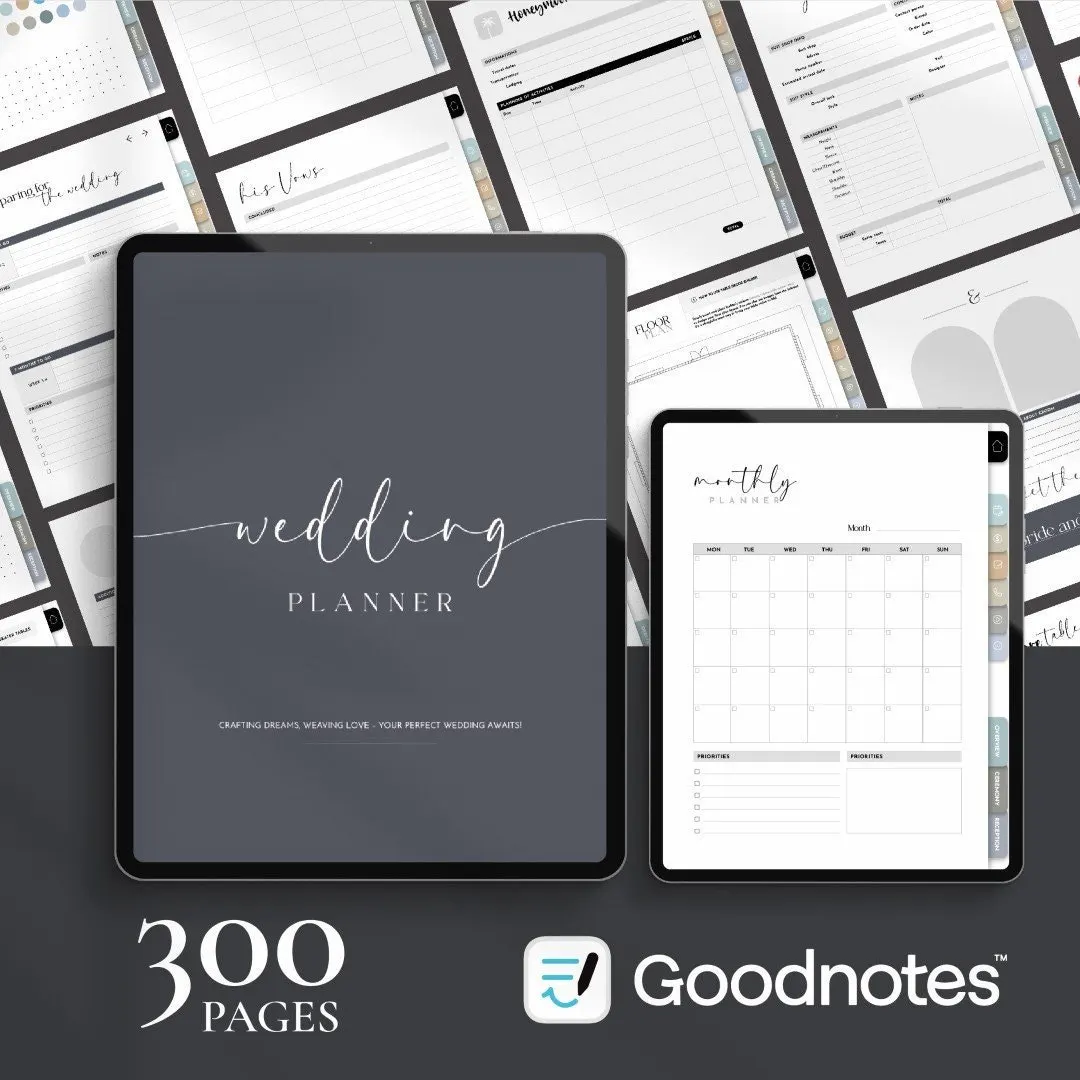
Digital planner · Hyperlinked PDF
$16.00
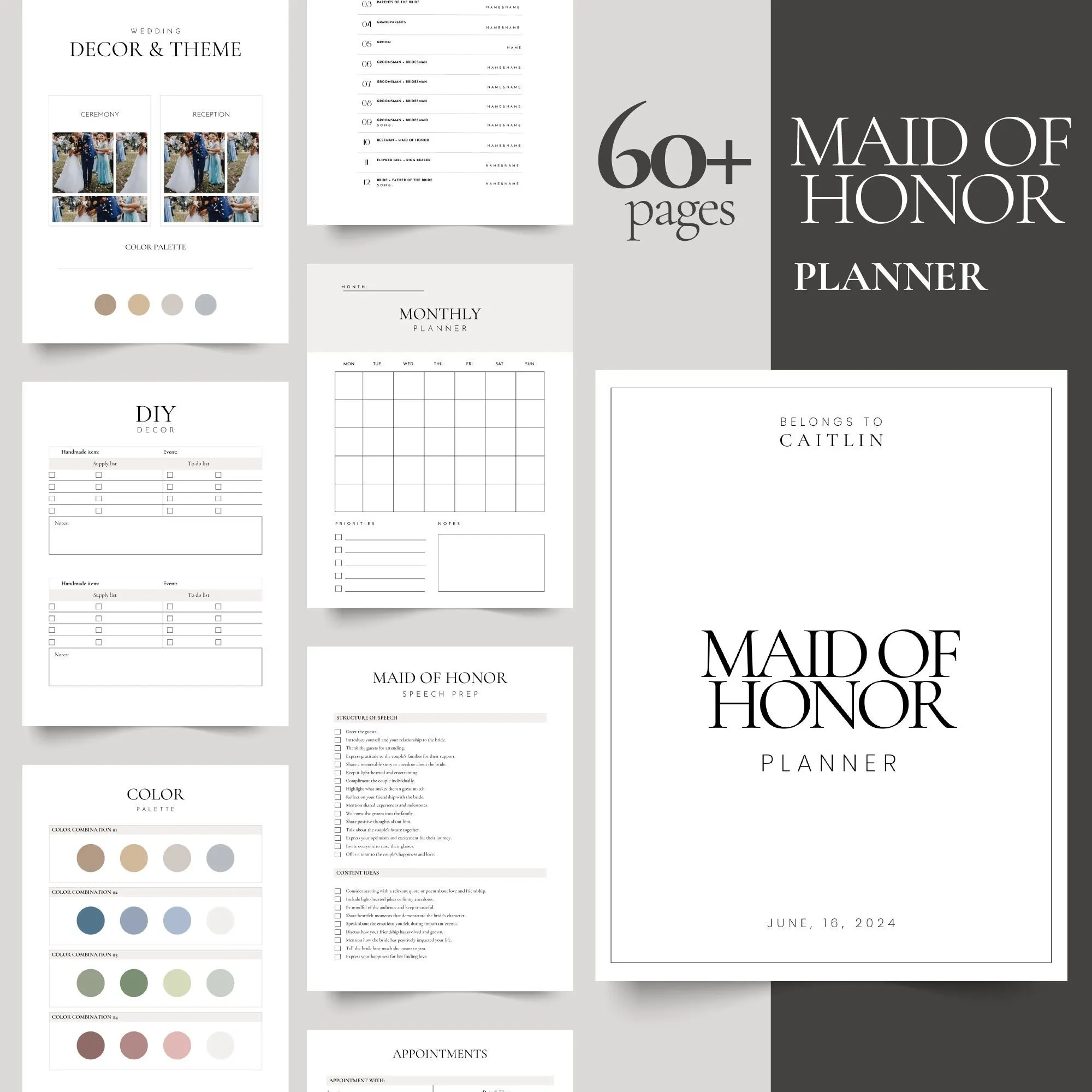
Canva template · Printable PDF
$9.00
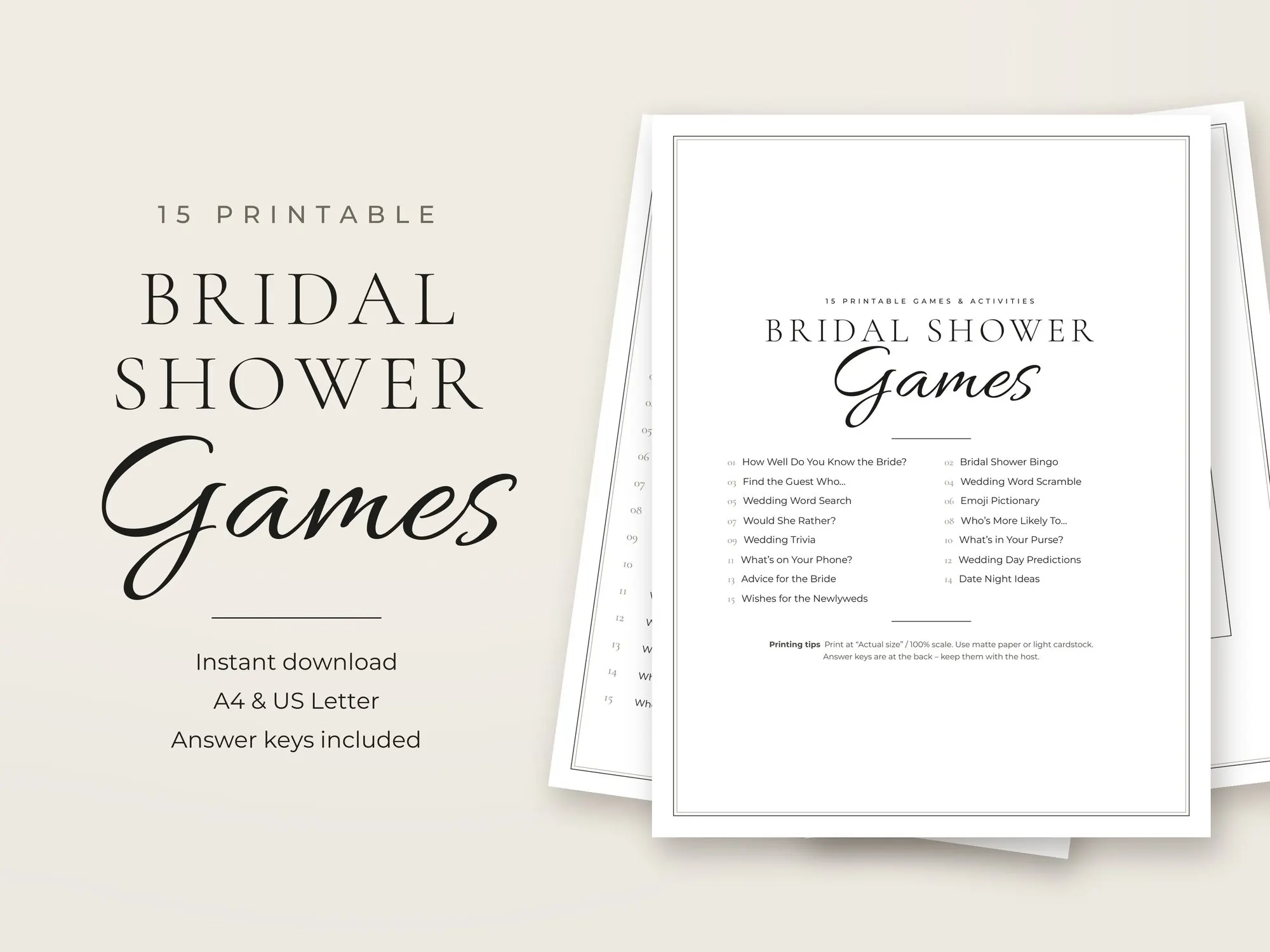
Printable PDF
$6.99