Canva template · Printable PDF
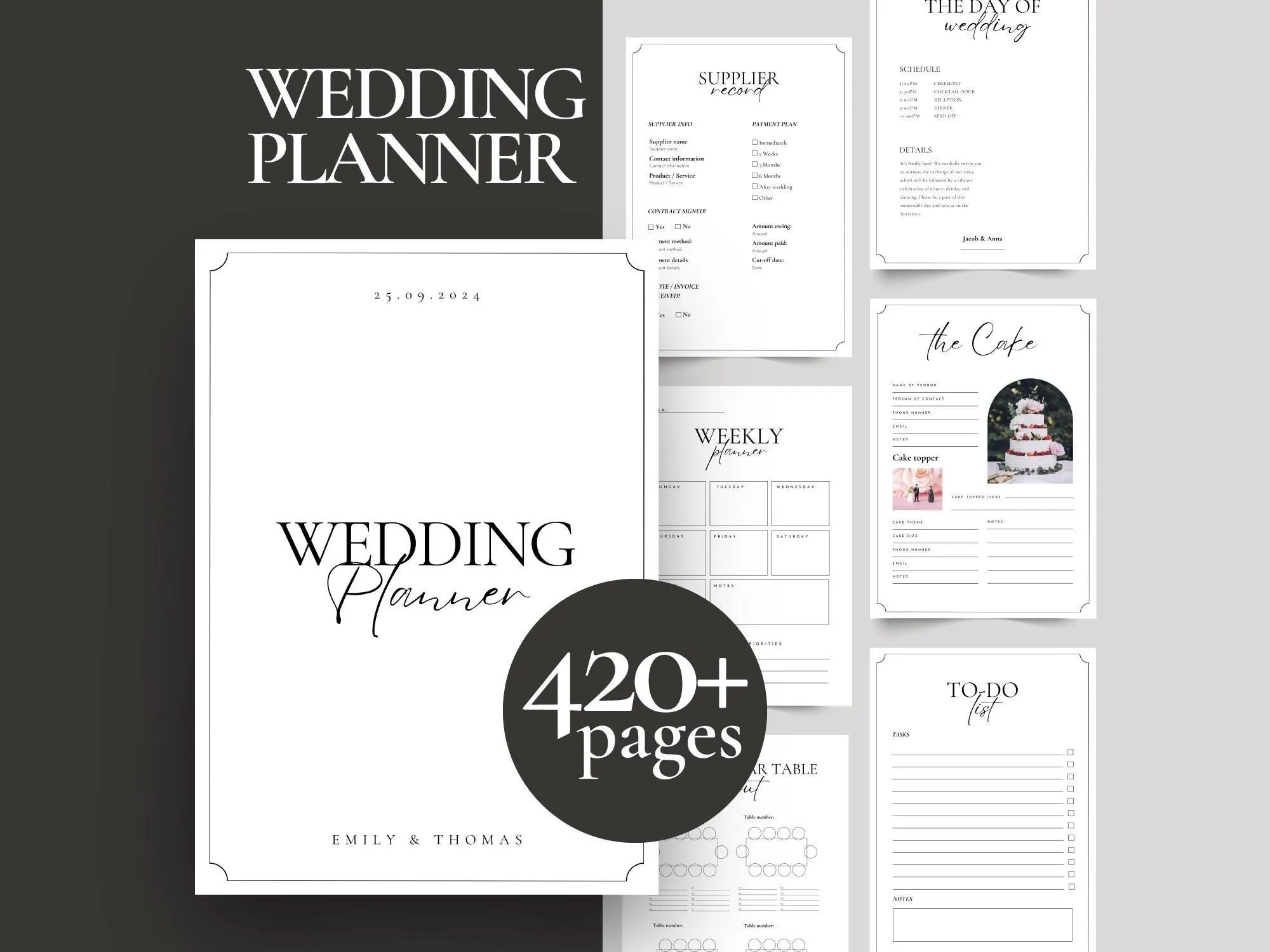
Printable Wedding Planner Binder – 420+ Pages
$14.00
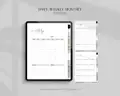
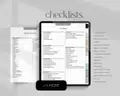
Digital planner · Hyperlinked PDF
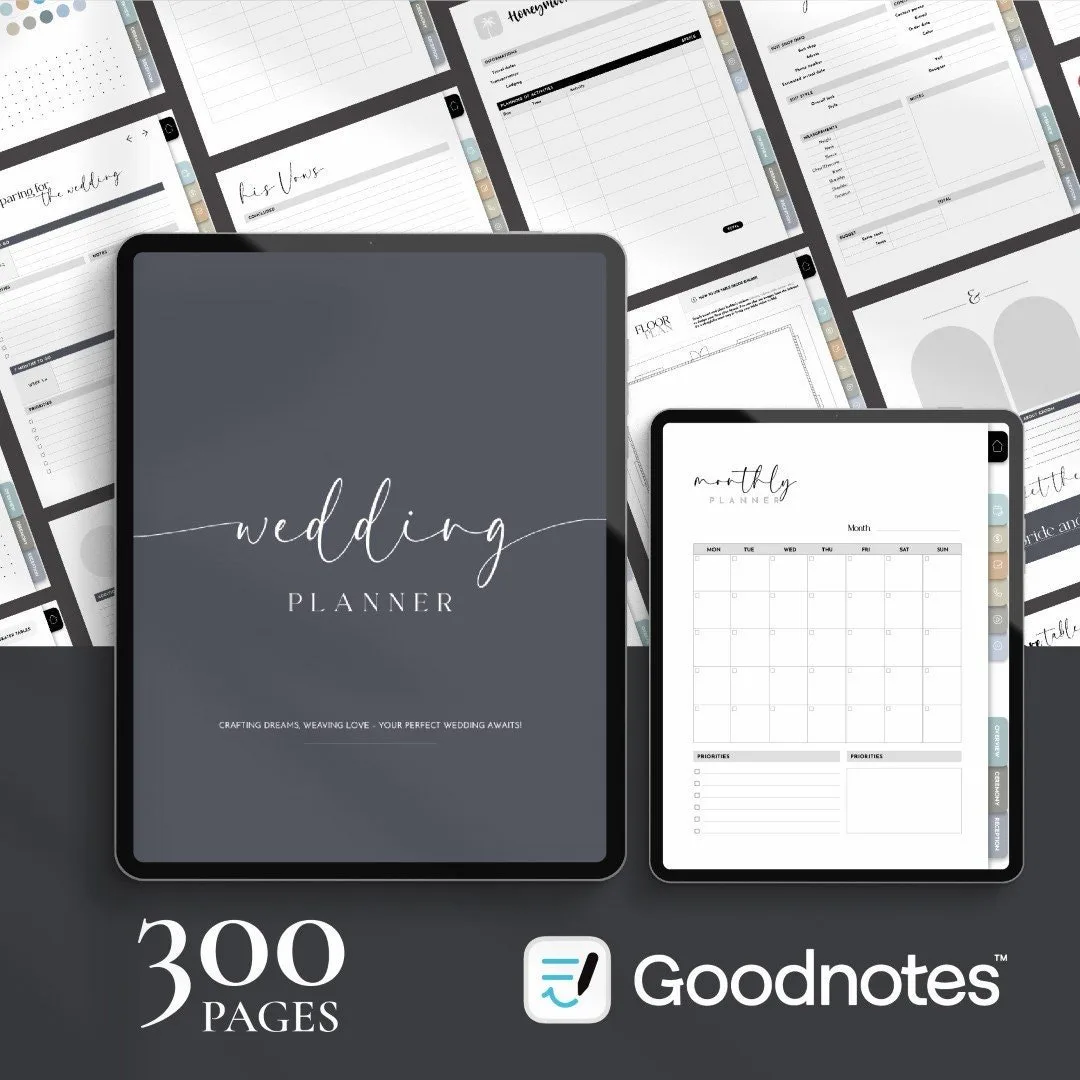
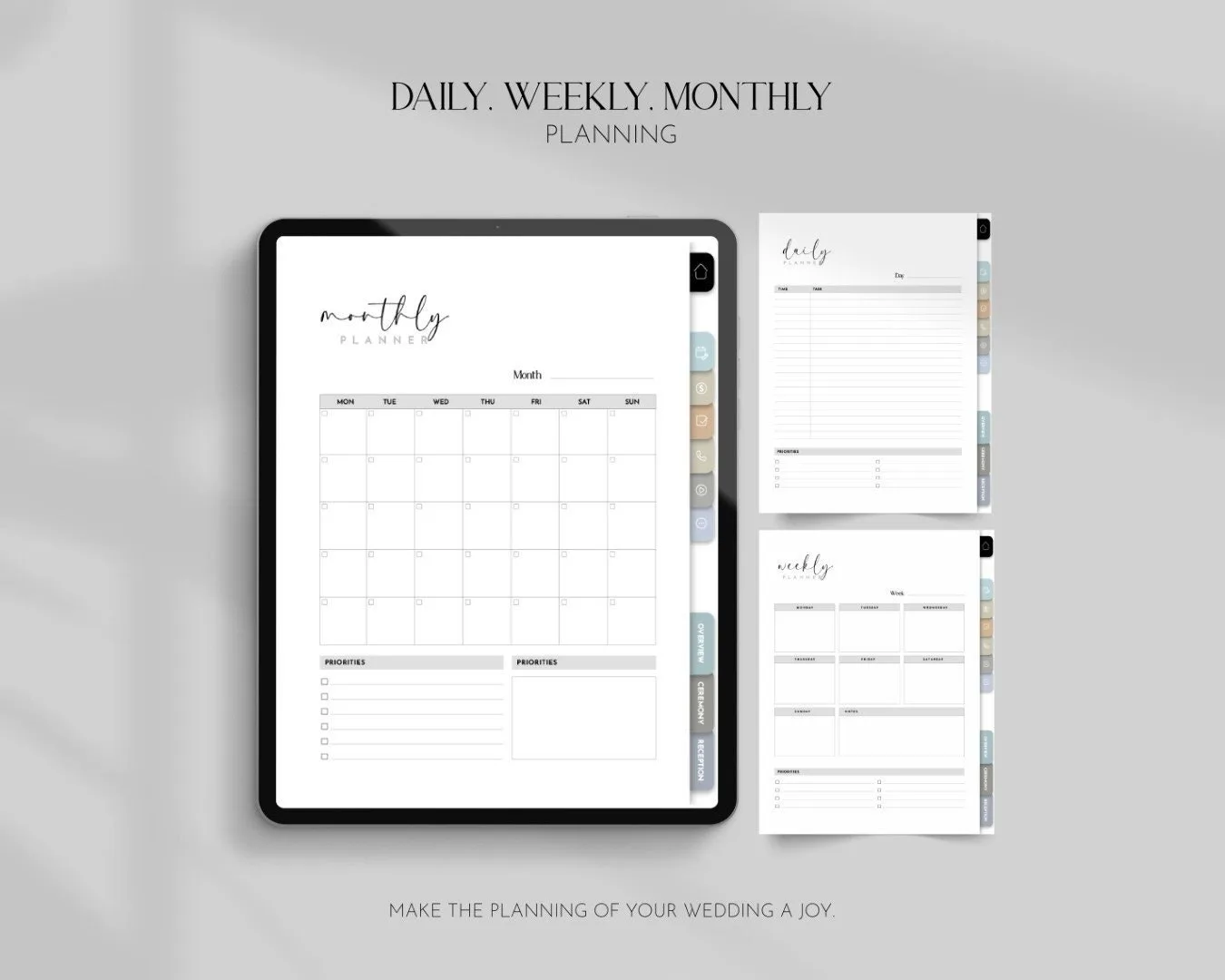
A hyperlinked iPad wedding planner with 300+ pages – tap a tab and jump straight to the budget, guest list or vendor you need.
$16.00
This template will be available here very soon.
A hyperlinked PDF planner you import into Goodnotes, Notability or any PDF annotation app.
Digital product – nothing will be shipped. Personal use license (details).
Every section is one tap away – no endless scrolling through hundreds of pages.
Your plans live on your iPad, synced and backed up, ready for every vendor meeting.
Handwrite with Apple Pencil, type, or drop in photos and screenshots of inspiration.
If your life already lives in Goodnotes, your wedding planning should too. This digital wedding planner turns your iPad into a calm, organised wedding binder with 300+ hyperlinked pages – and it fits in your bag for every venue visit and tasting.
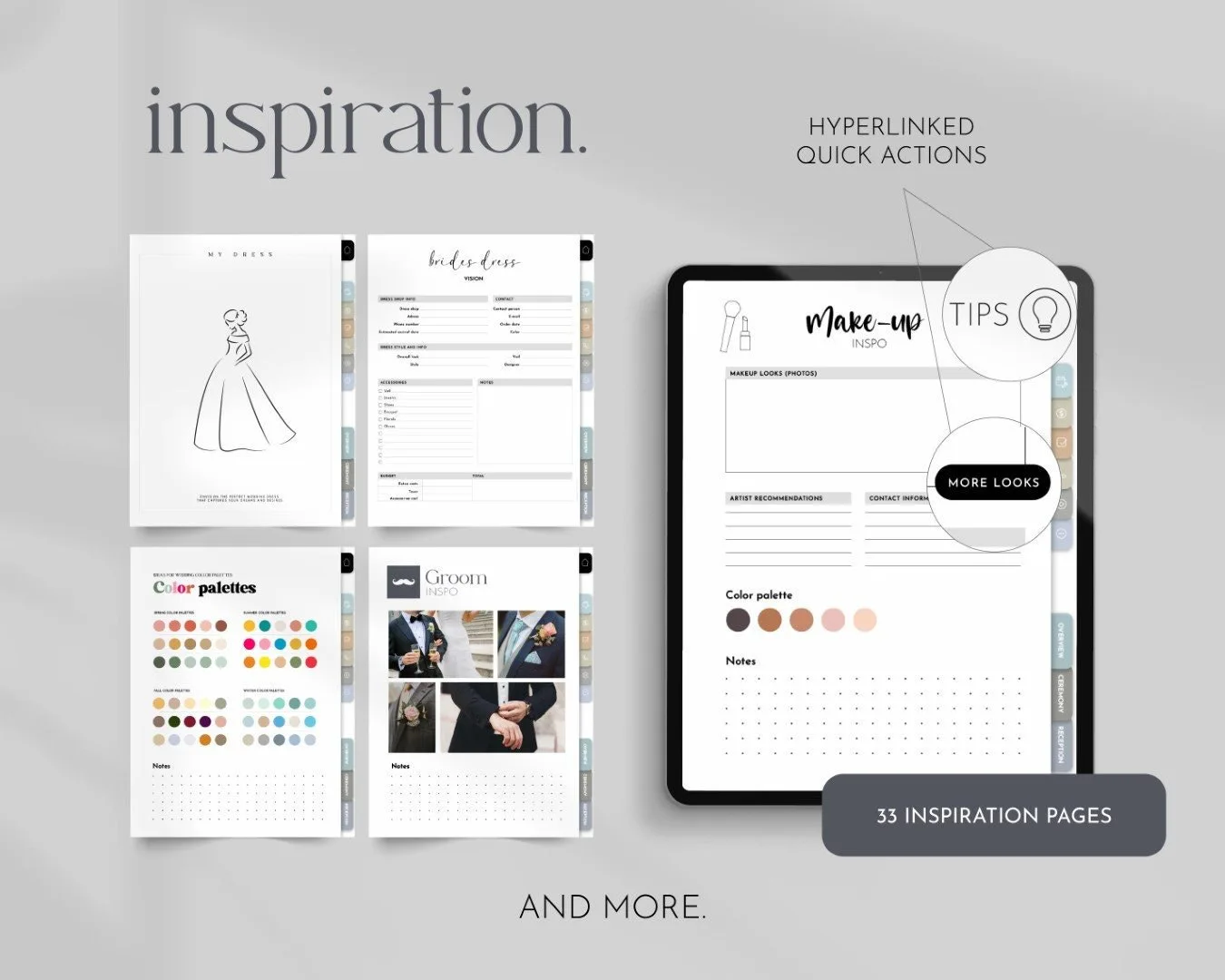
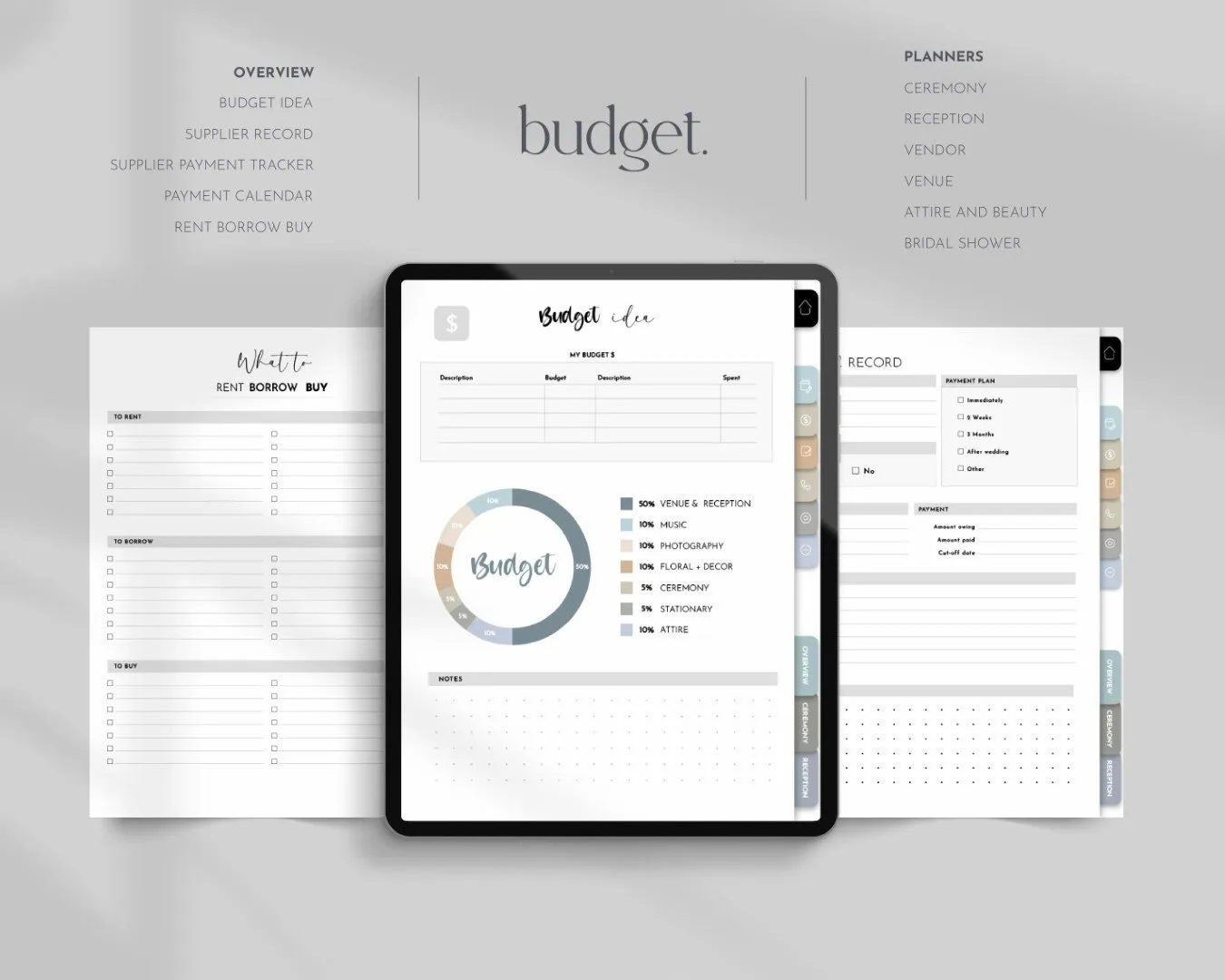
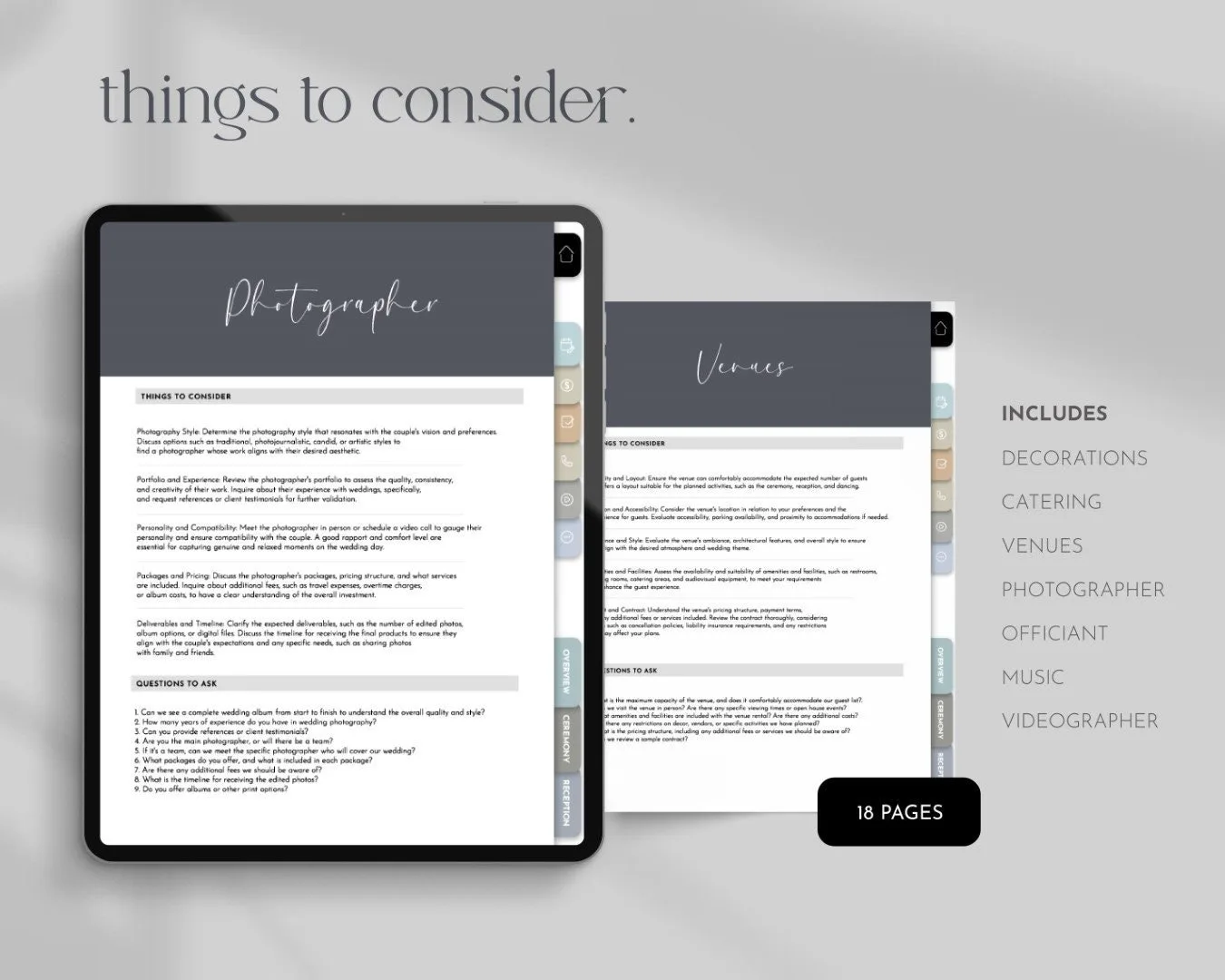
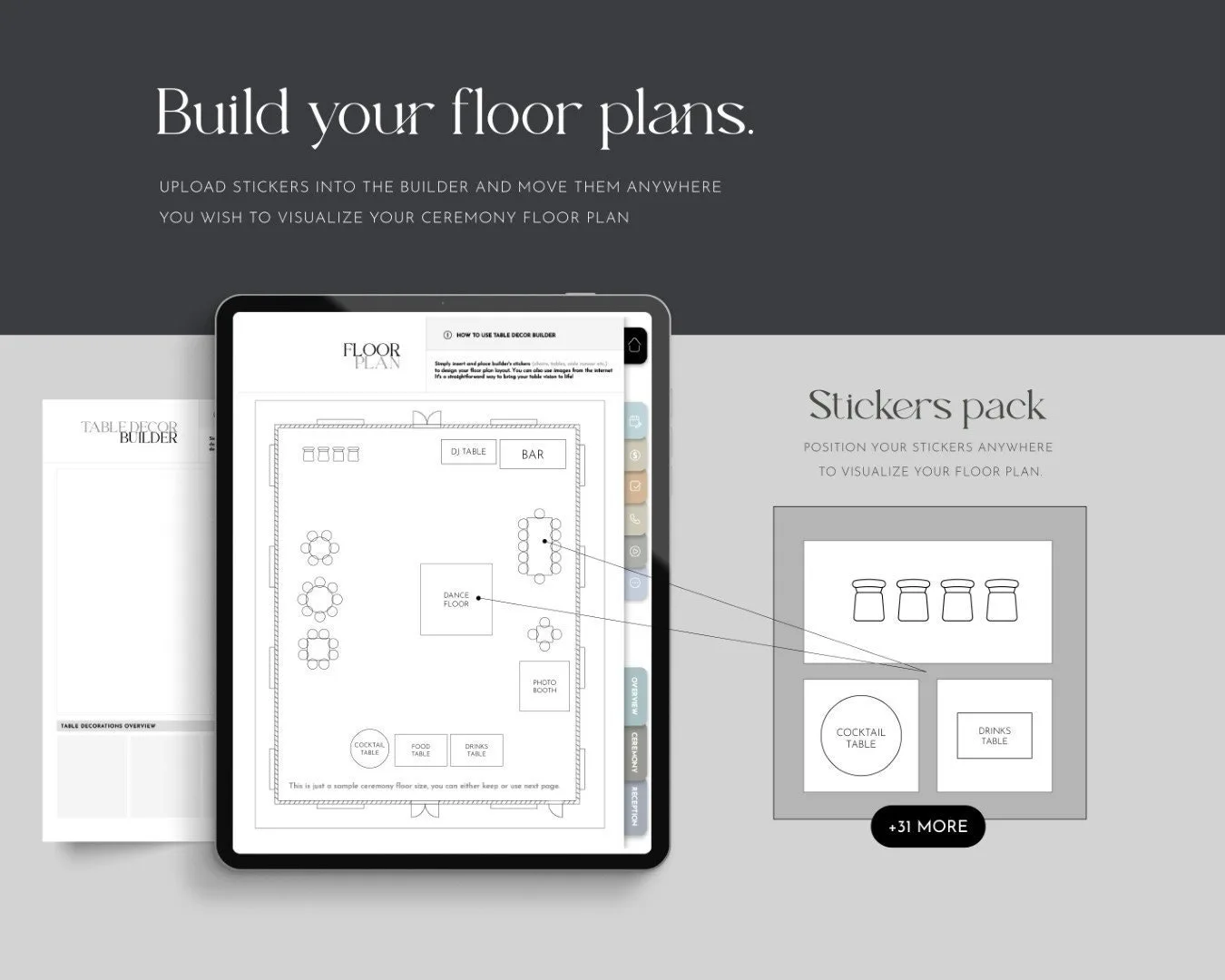
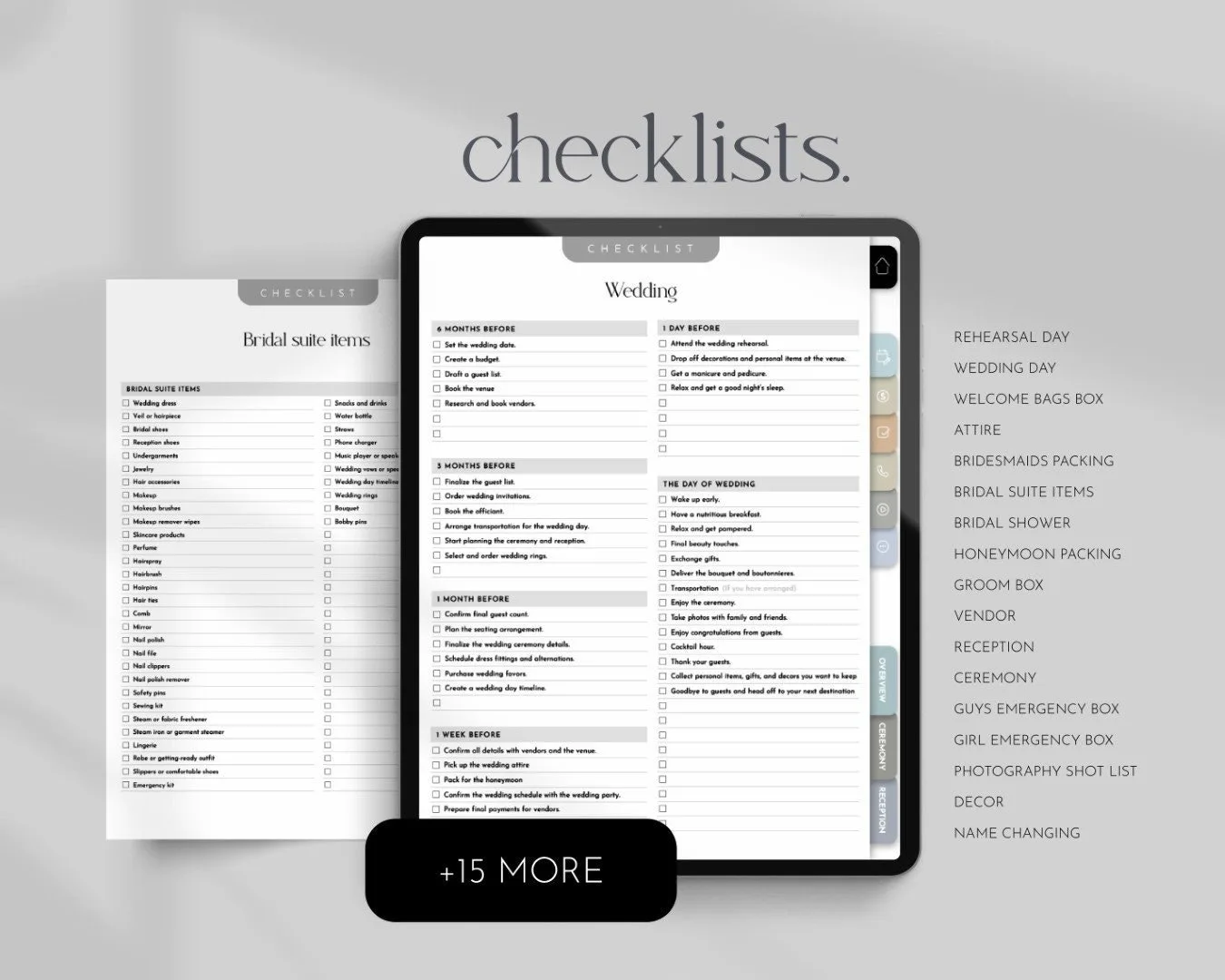
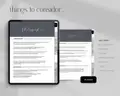
Side tabs link to every section: inspiration, timeline, budget, guests, ceremony, reception, vendors, décor, music, honeymoon and more. Index pages link to the details, and every page links back. Finding the florist’s quote takes one tap.
Download the PDF, open it in Goodnotes (or Notability) and start writing. Duplicate any page you need more of – extra vendor pages, extra checklists – in seconds.
Goodnotes, Notability, Noteshelf, Xodo and any app that opens hyperlinked PDFs and lets you write on them. It works best on an iPad or Android tablet with a stylus.
Yes, you can print any page, although it's designed for screen use. For paper, our printable 420+ page binder is a better fit.
Right after payment you get a download page and an e-mail with your links. A hyperlinked PDF planner you import into Goodnotes, Notability or any PDF annotation app.
Because the files are delivered instantly, digital downloads can’t be returned. If anything is wrong with your files, write to us and we’ll fix it or refund you – promise.
Canva template · Printable PDF
$14.00
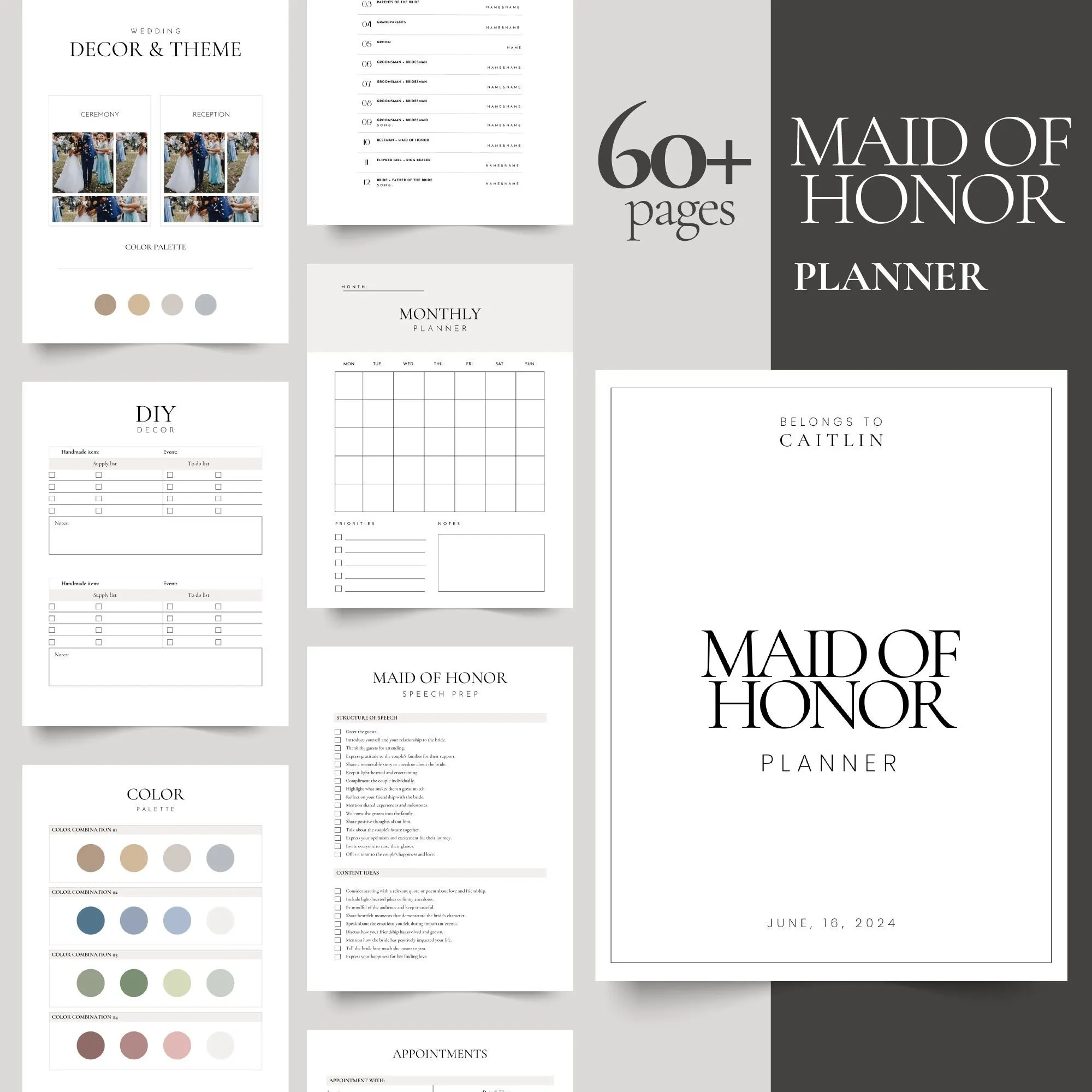
Canva template · Printable PDF
$9.00
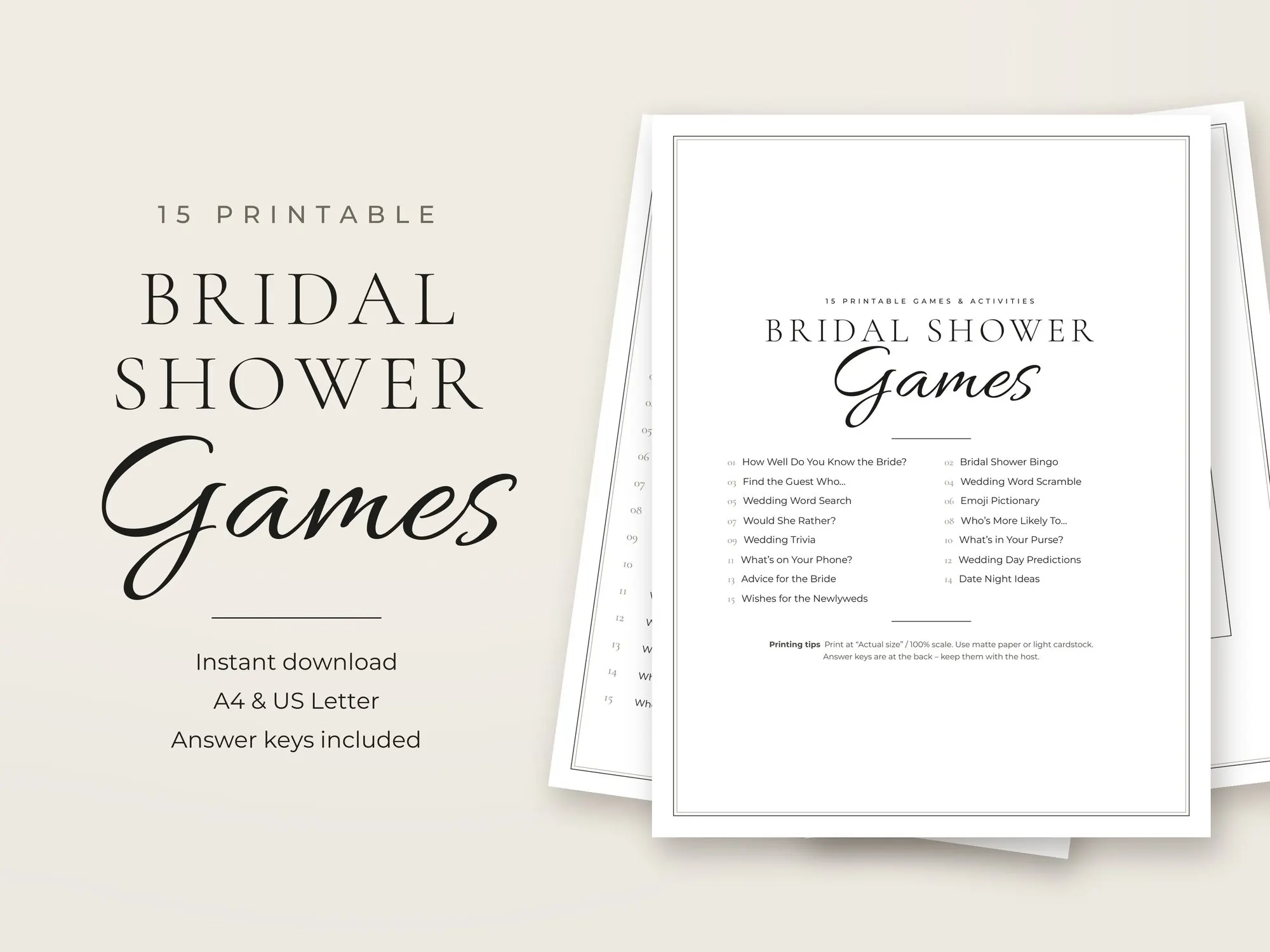
Printable PDF
$6.99
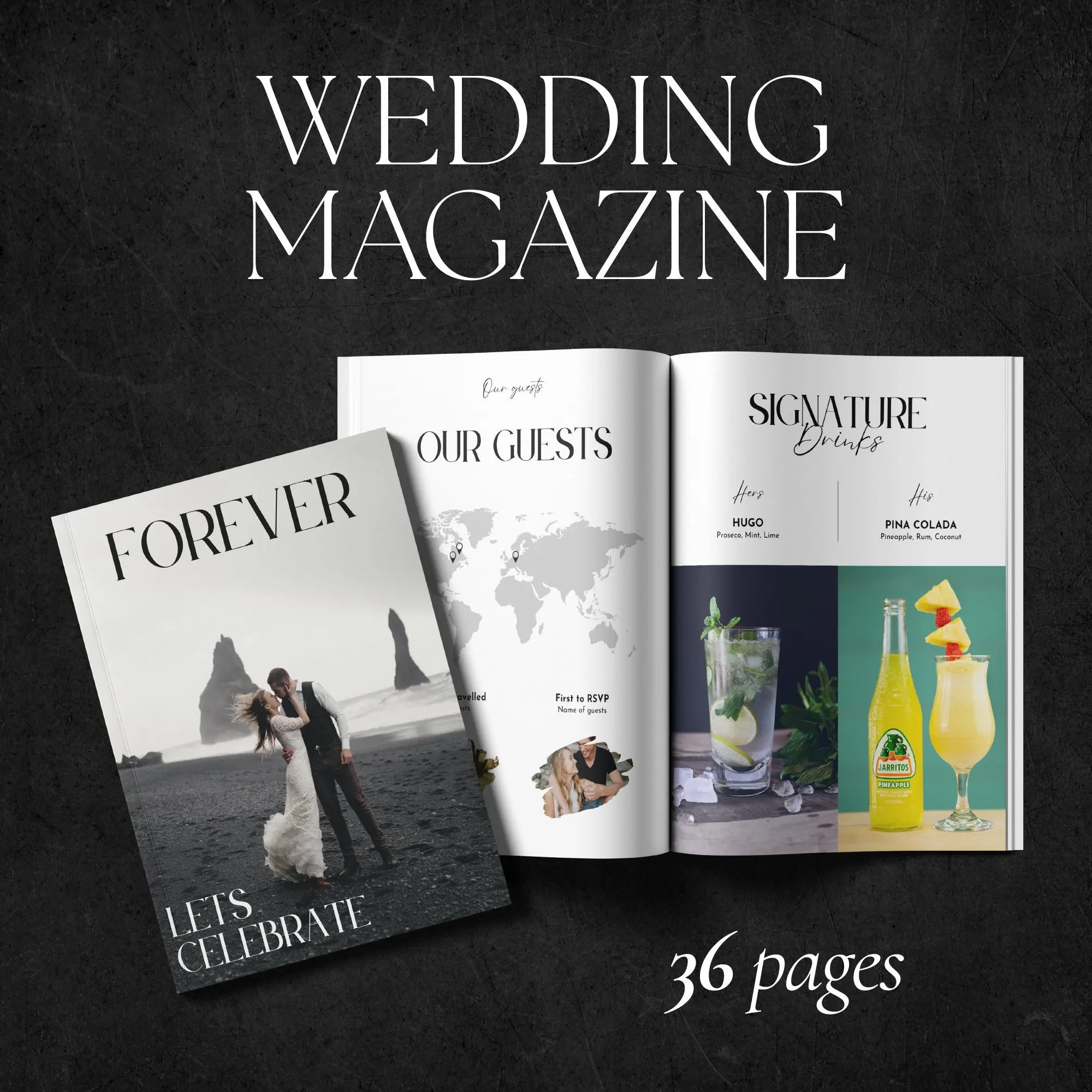
Canva template · Printable magazine
$15.00