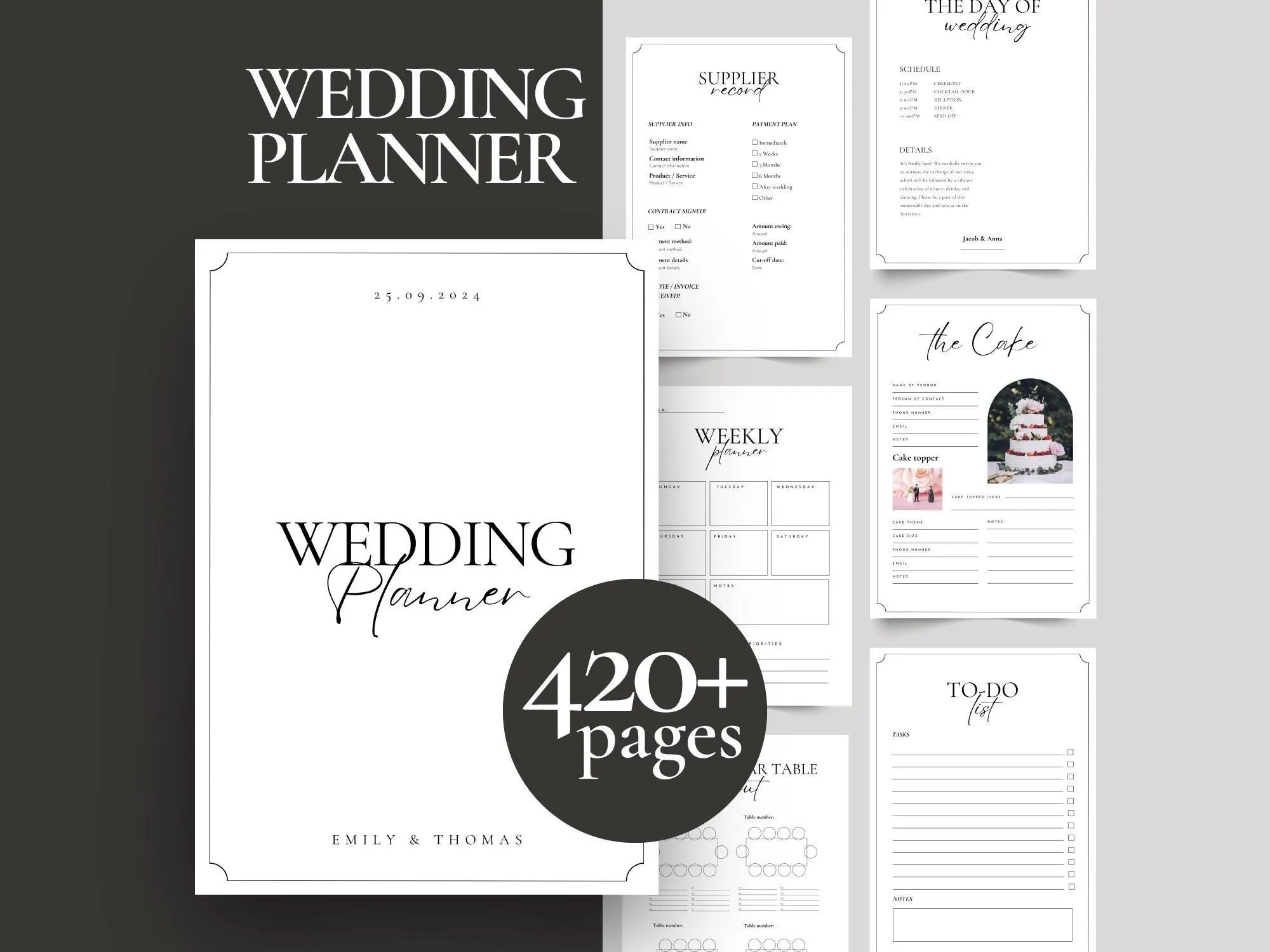
Canva template · Printable PDF
Printable Wedding Planner Binder – 420+ Pages
$14.00
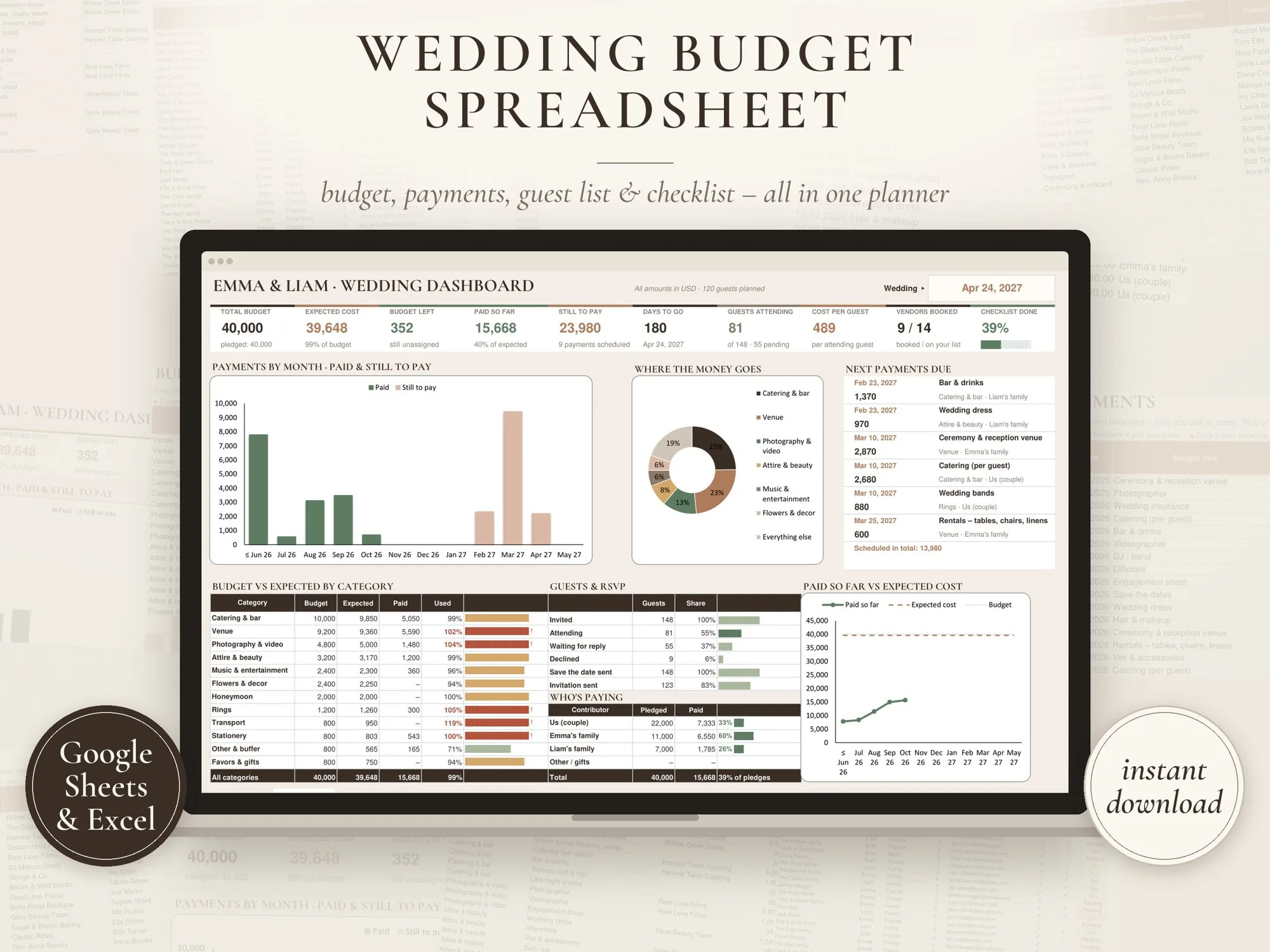
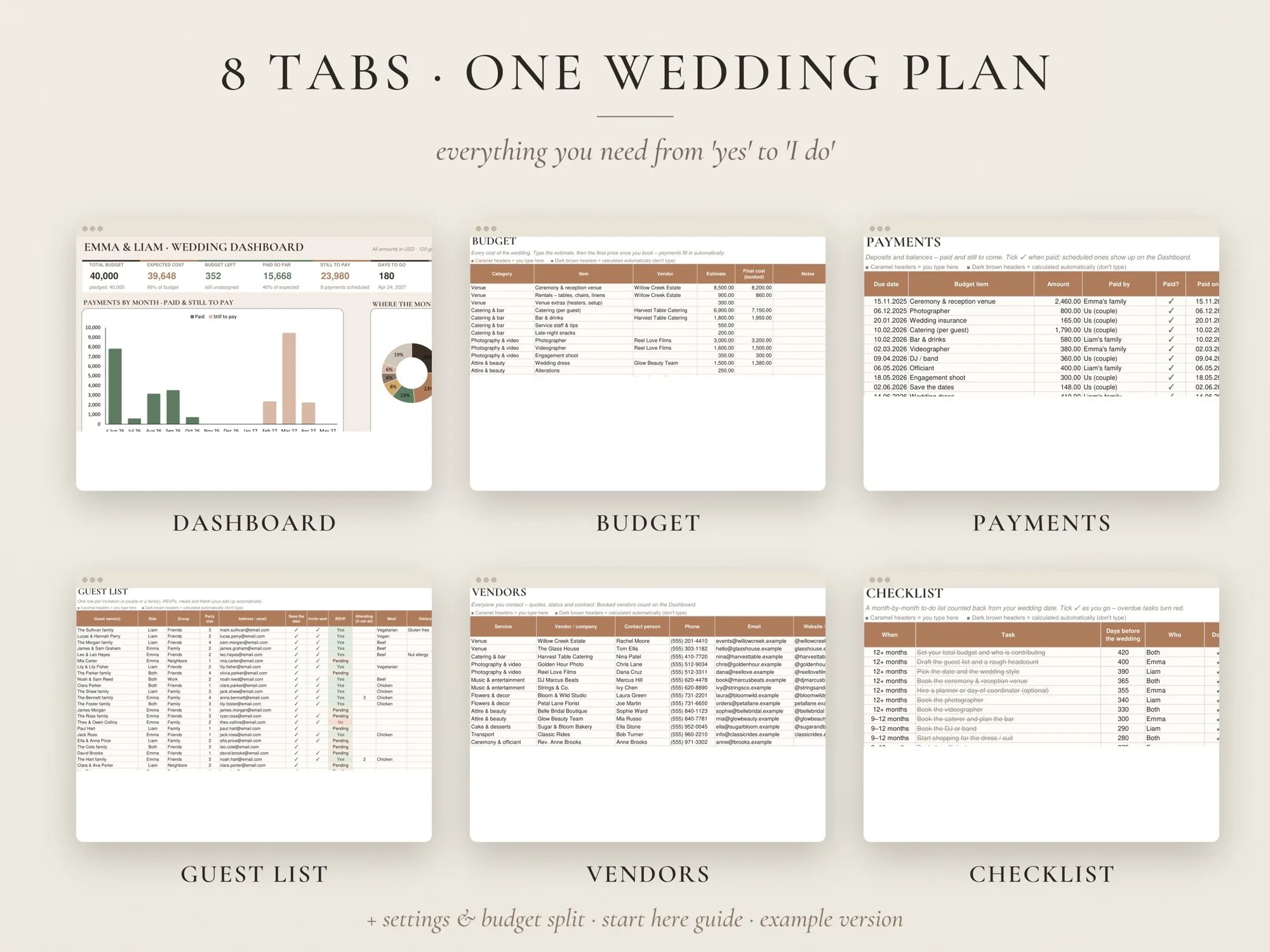
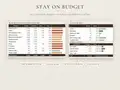
Google Sheets · Excel
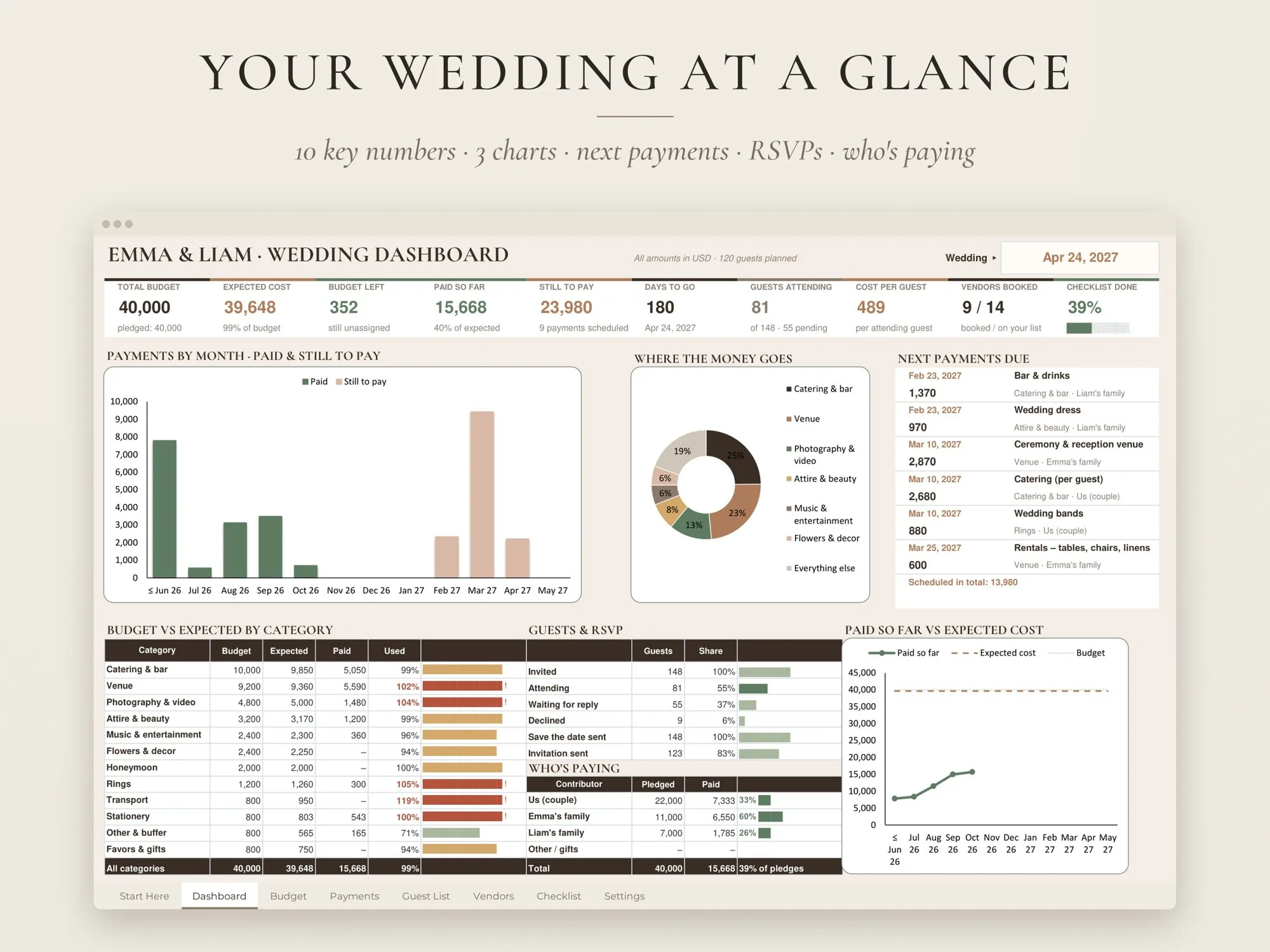
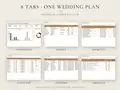
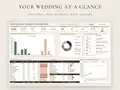
Budget, deposits and balances, guest list, vendors and a wedding checklist in one spreadsheet – with a dashboard that shows what's left, what's paid and what's due next.
$13.99
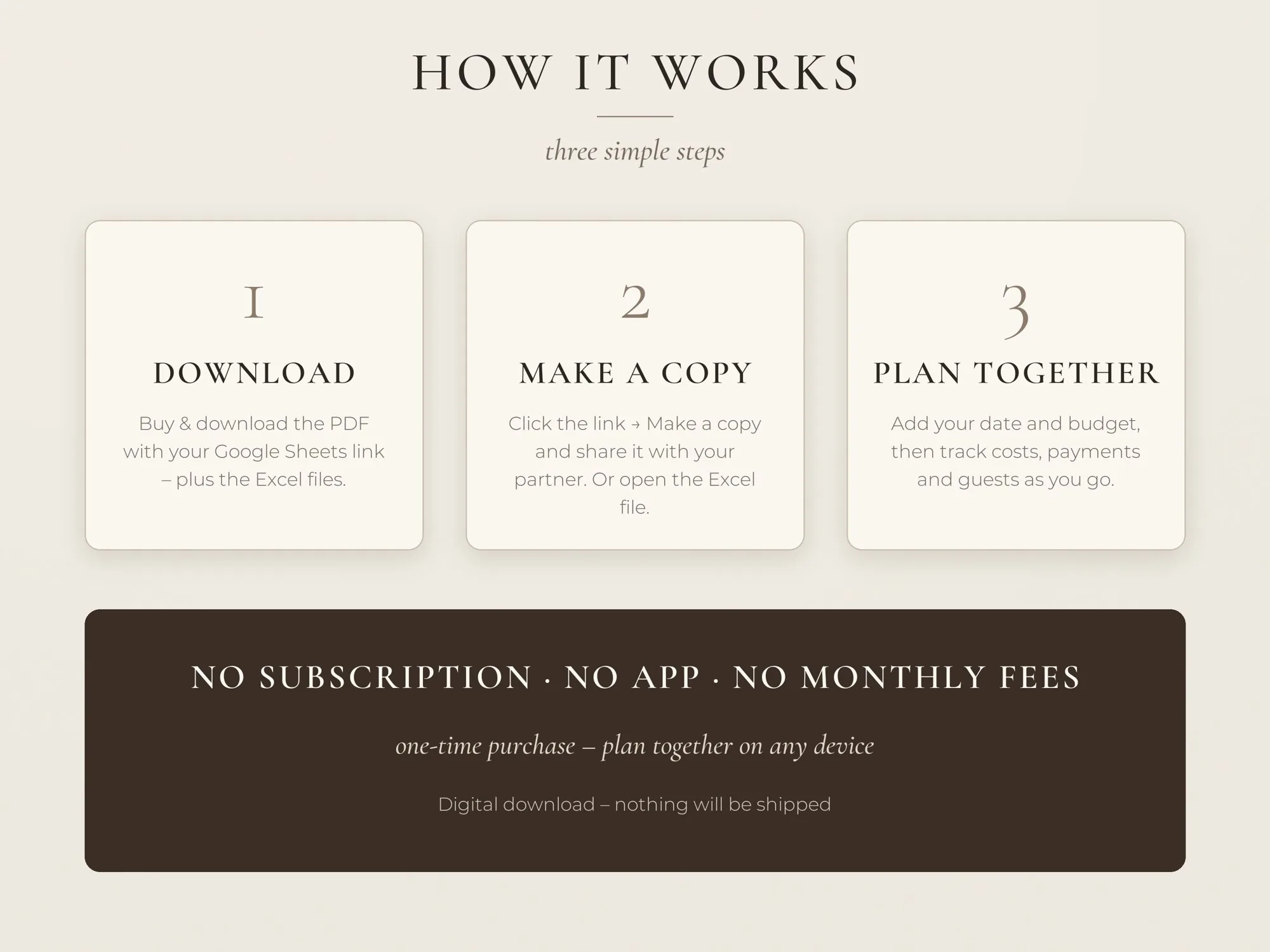
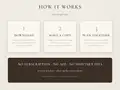
A START HERE PDF with your Google Sheets "make a copy" link, plus the Excel file and an EXAMPLE version of a planned wedding.
Digital product – nothing will be shipped. Personal use license (details).
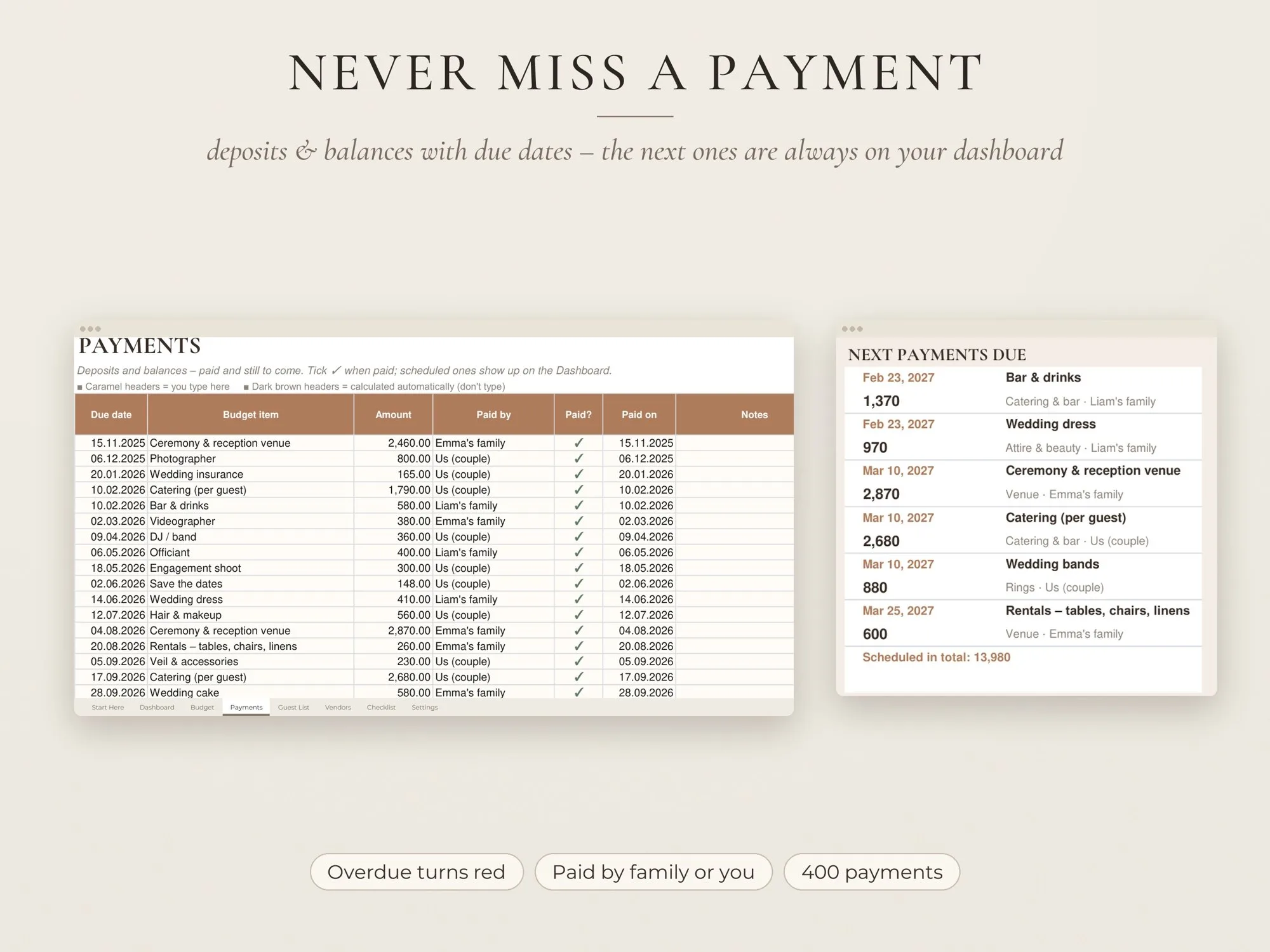
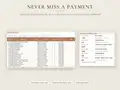
Log every deposit and balance once – the dashboard lists the next six payments so nothing slips.
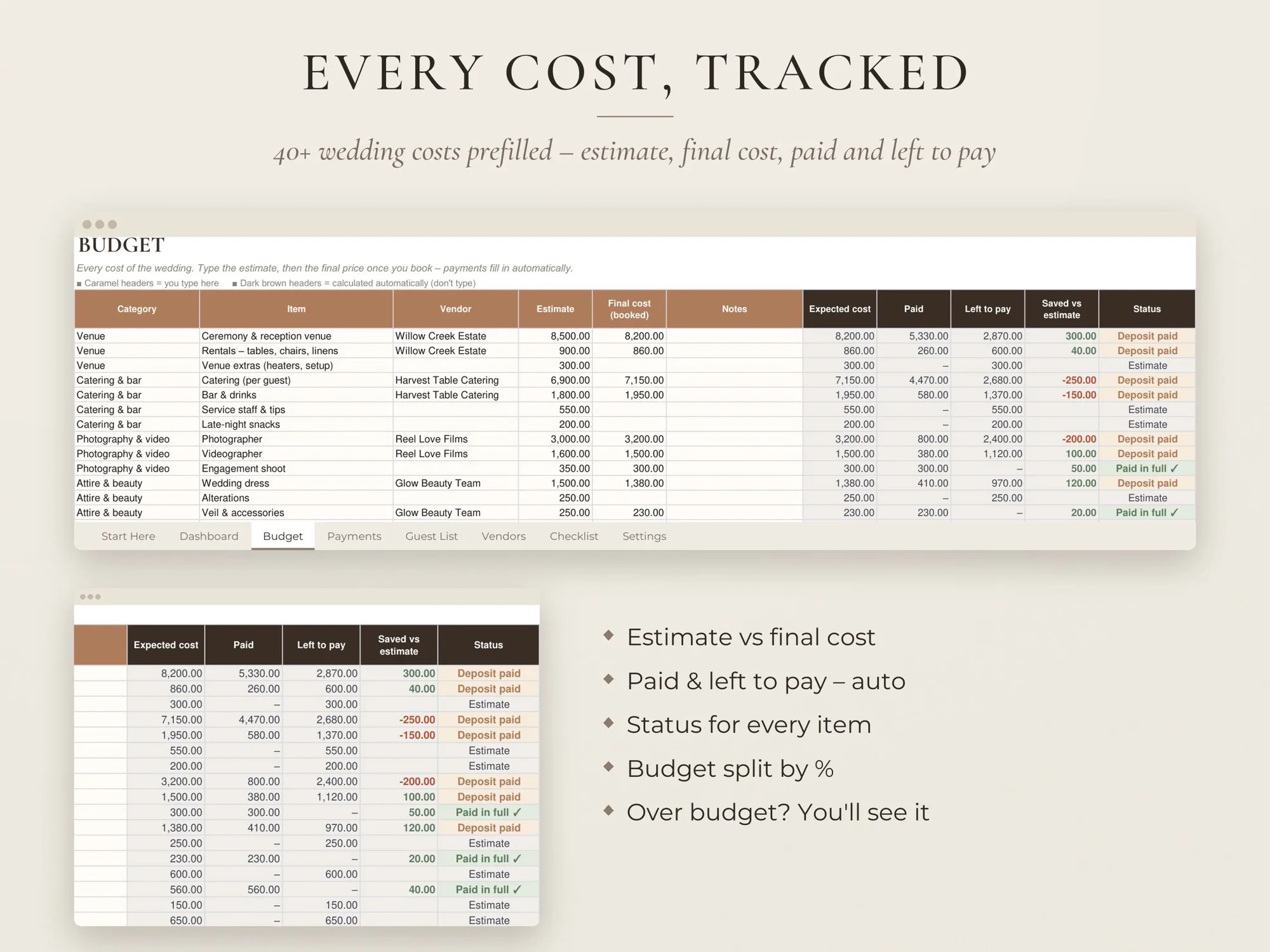
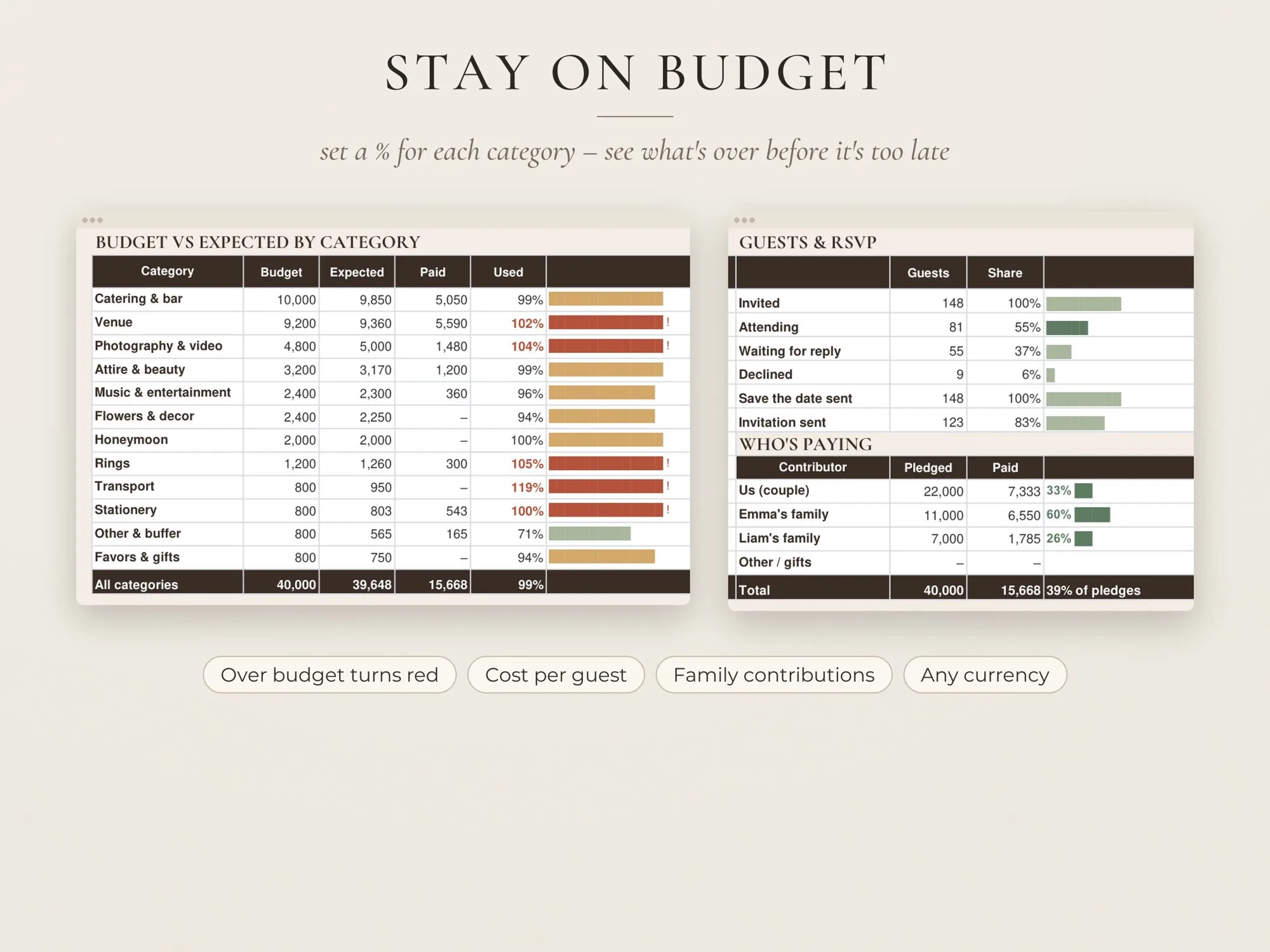
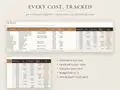
Give each category a share of your total and see right away which one is running over.
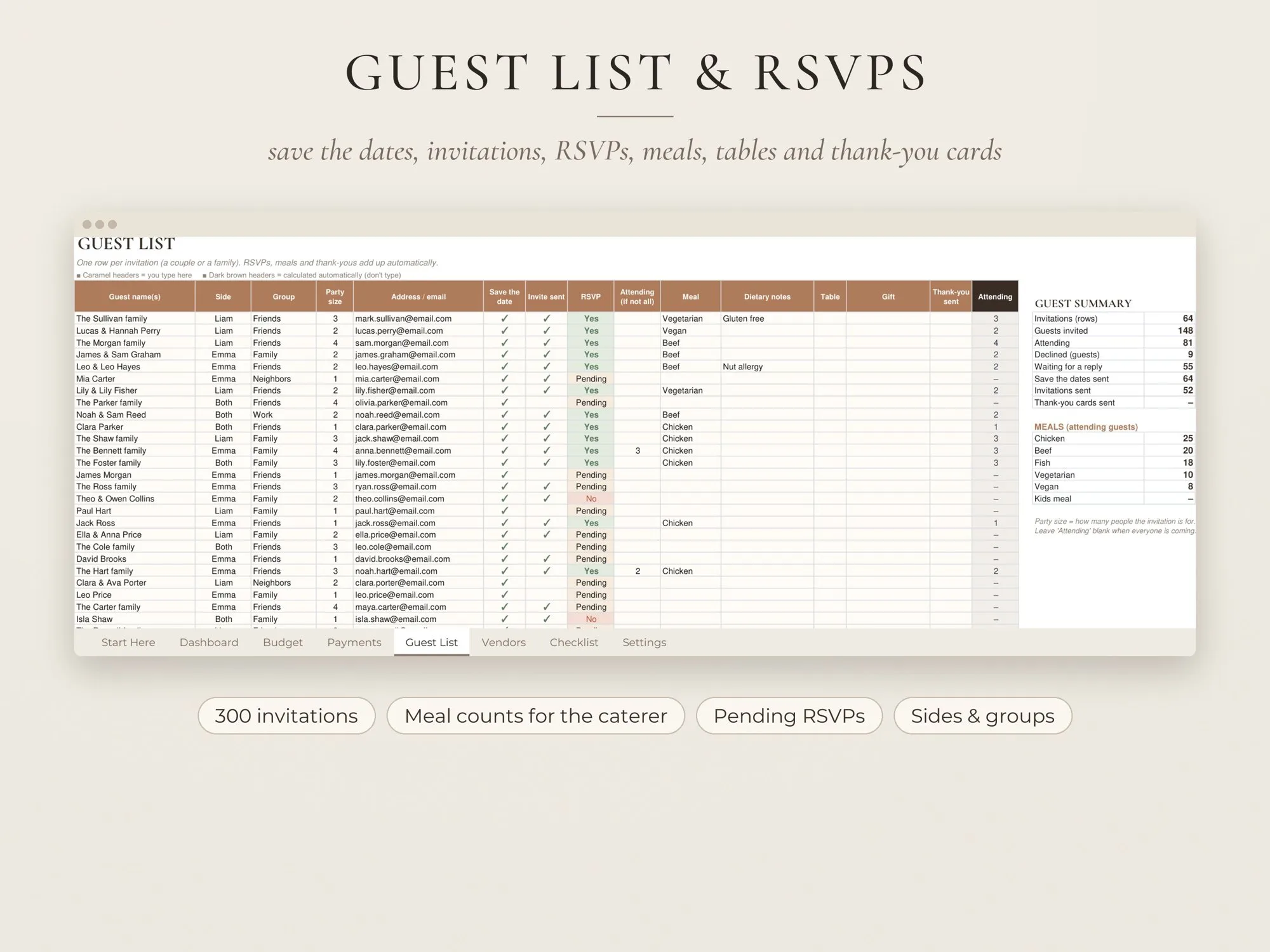
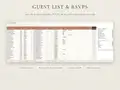
RSVPs feed the cost per guest and the meal counts your caterer will ask for.
Wedding planning comes with dozens of quotes, deposits and deadlines, and they end up scattered across emails, notes and screenshots. This wedding budget spreadsheet keeps them together and adds them up for you, so you always know how much is left to spend.
Type your total budget and decide what share each category gets – venue, catering, photography, attire, flowers and so on. The Budget tab already lists 43 costs most weddings have. Add an estimate to each, then replace it with the final price when you book. The sheet tracks what you’ve paid, what’s still owed and whether you came in under or over your estimate.
Add each payment with its due date as soon as you sign a contract. Paid ones get a tick, overdue ones turn red, and the dashboard shows the next six that are due. If parents are helping, record their pledge and every payment they make – the Who’s paying panel shows how much of each pledge has been used.
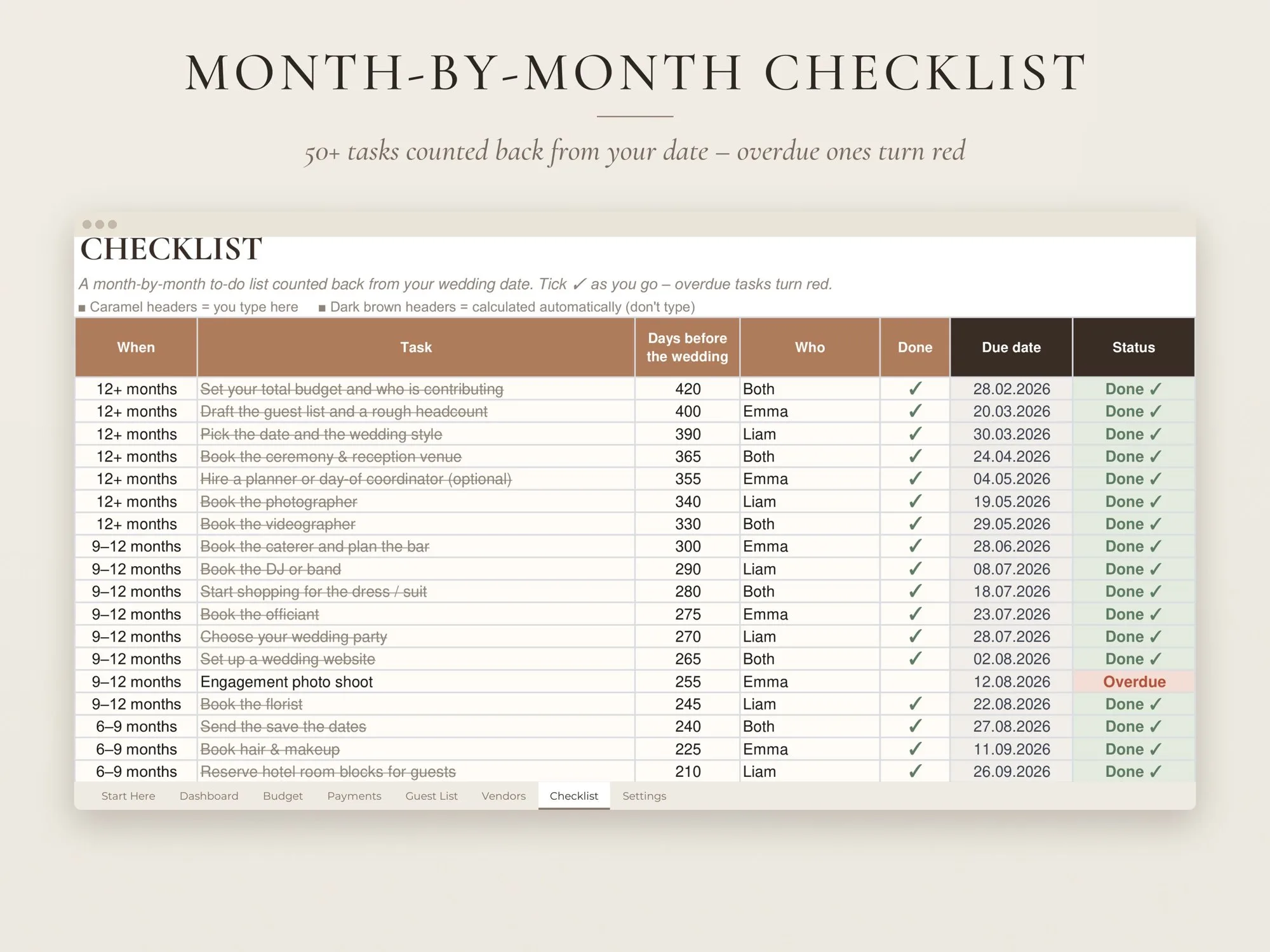
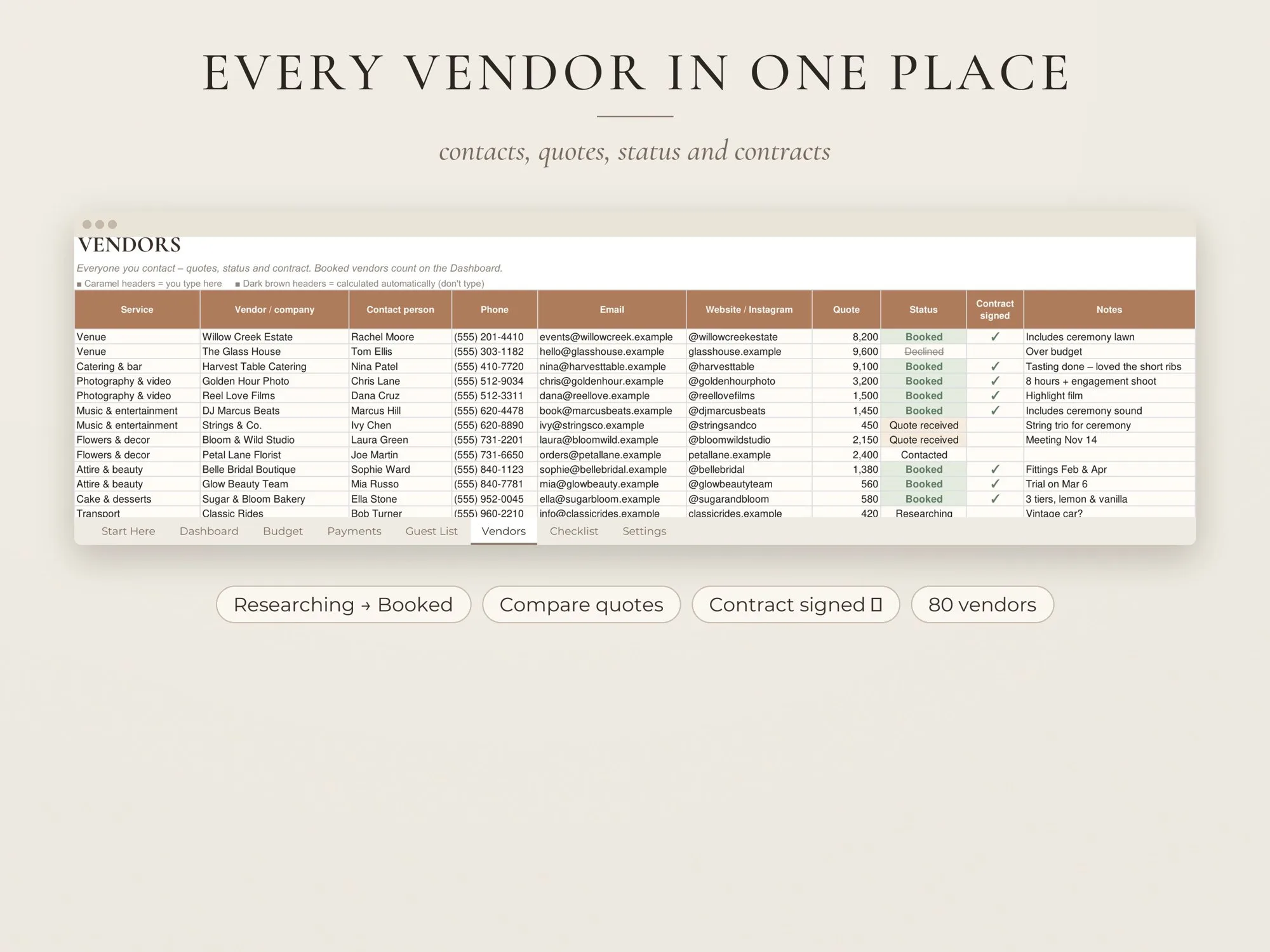
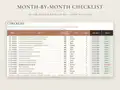
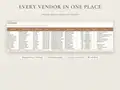
The guest list follows each invitation from save the date to thank-you card. RSVPs update the attending count and the cost per guest, and meal choices are totalled for your caterer. Vendors get their own tab for contacts, quotes and contracts. The checklist covers more than 50 tasks, from booking the venue a year ahead to returning rentals afterwards, each with a due date counted back from your wedding day.
Works in free Google Sheets and in Excel 2010 or newer, in any currency, with no subscription.
Yes. Make your copy in Google Sheets, click Share and add your partner, a parent or your planner – everyone sees the same numbers.
No. The 14 categories and 43 budget items are a starting point. Rename, delete or add your own, and set your own % of budget for each.
Yes. Put in an approximate date and change it later; the checklist due dates and the payments chart move with it.
Right after payment you get a download page and an e-mail with your links. A START HERE PDF with your Google Sheets "make a copy" link, plus the Excel file and an EXAMPLE version of a planned wedding.
Because the files are delivered instantly, digital downloads can’t be returned. If anything is wrong with your files, write to us and we’ll fix it or refund you – promise.
Canva template · Printable PDF
$14.00
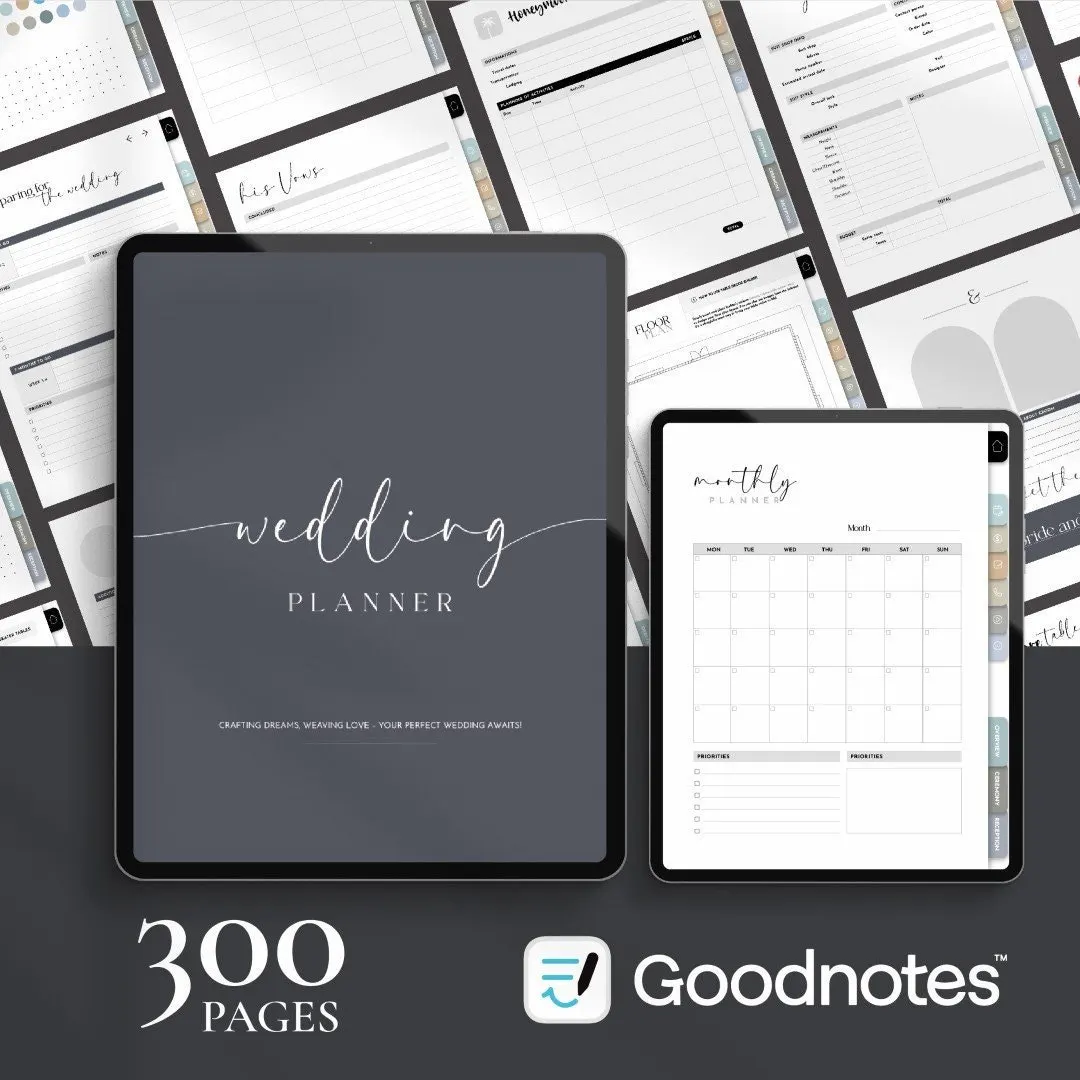
Digital planner · Hyperlinked PDF
$16.00
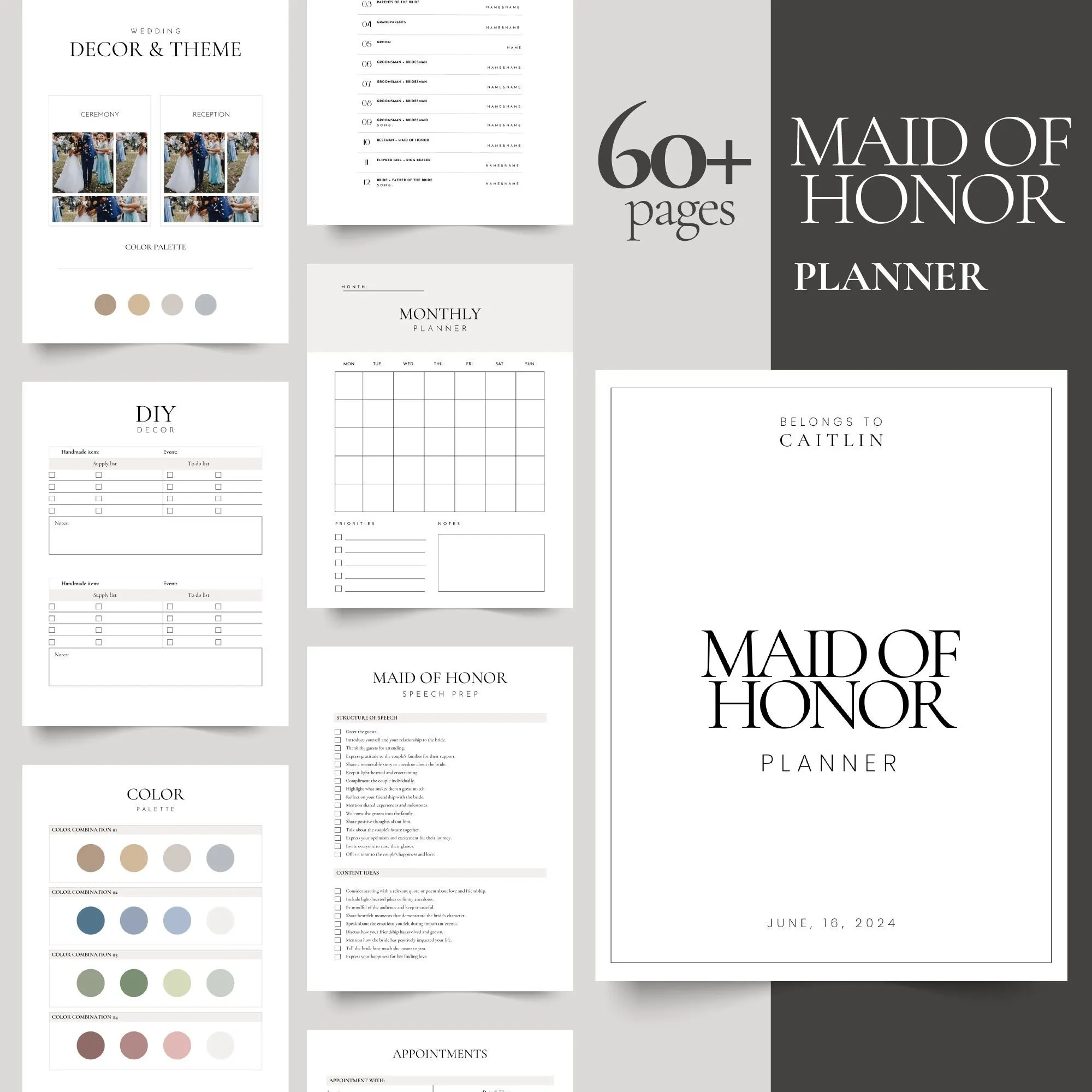
Canva template · Printable PDF
$9.00
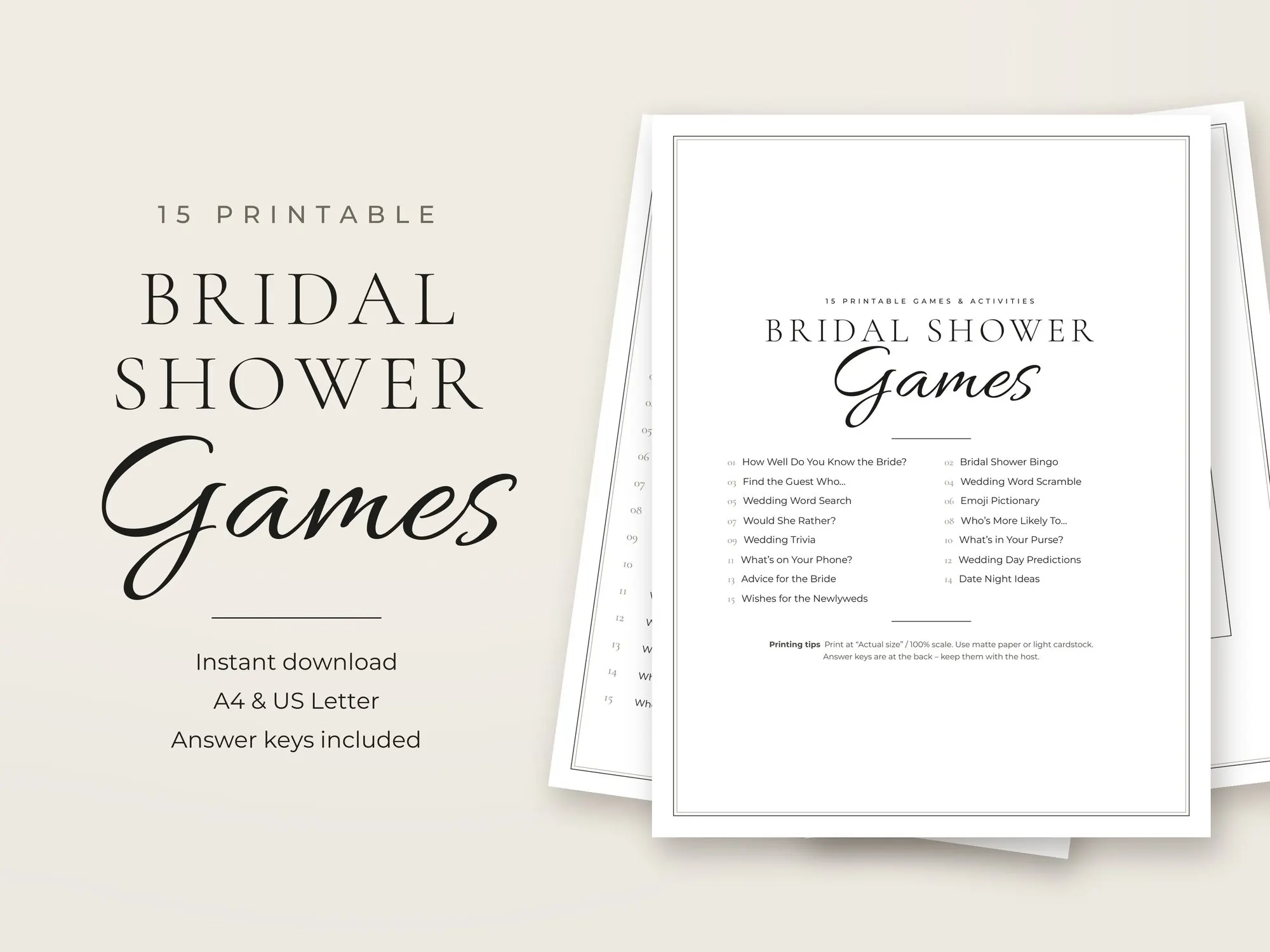
Printable PDF
$6.99