Canva template bundle
Dusty Blue Wedding Photography Bundle
$24.00
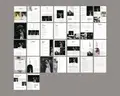
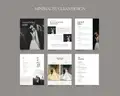

Canva template
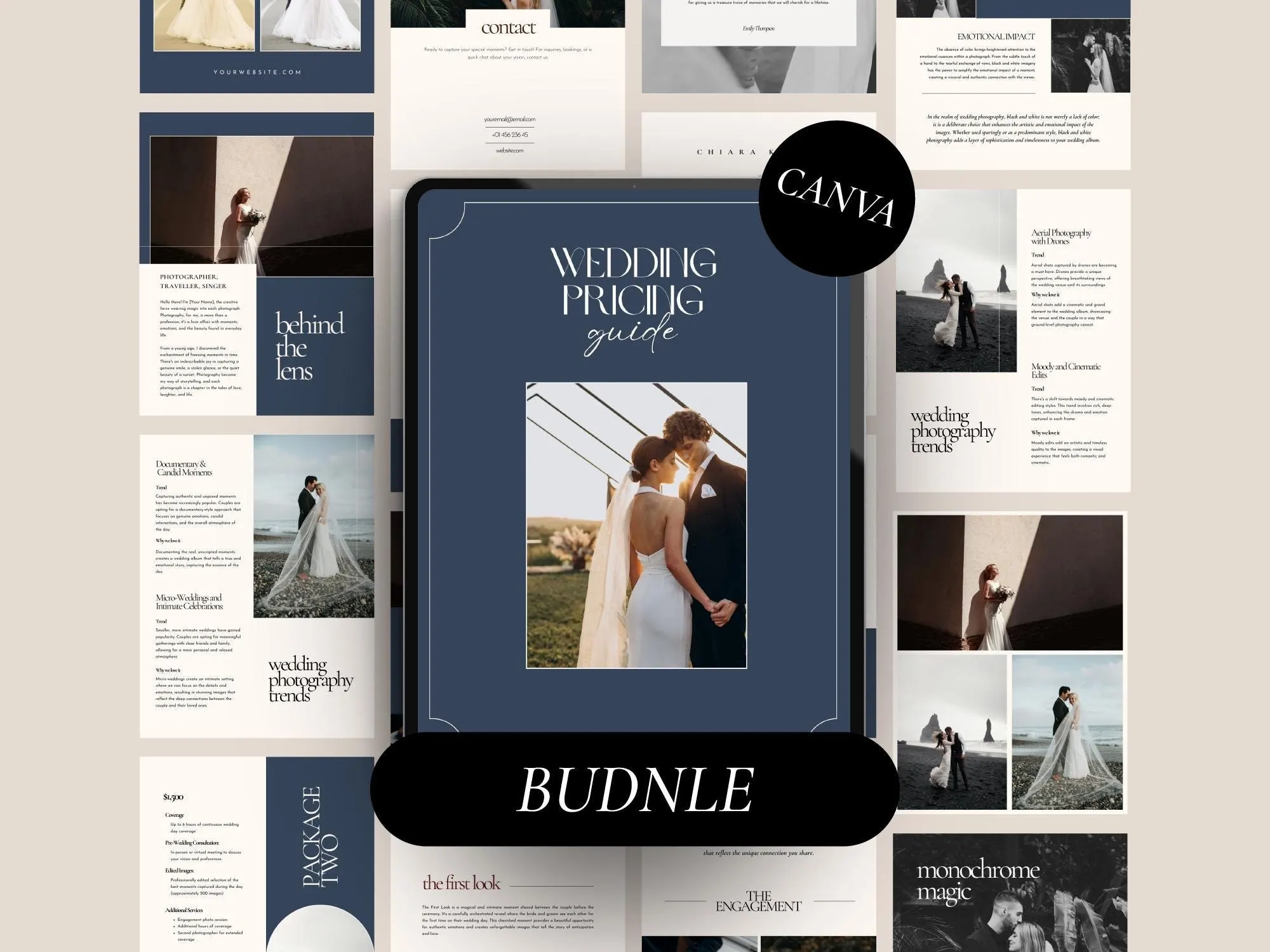
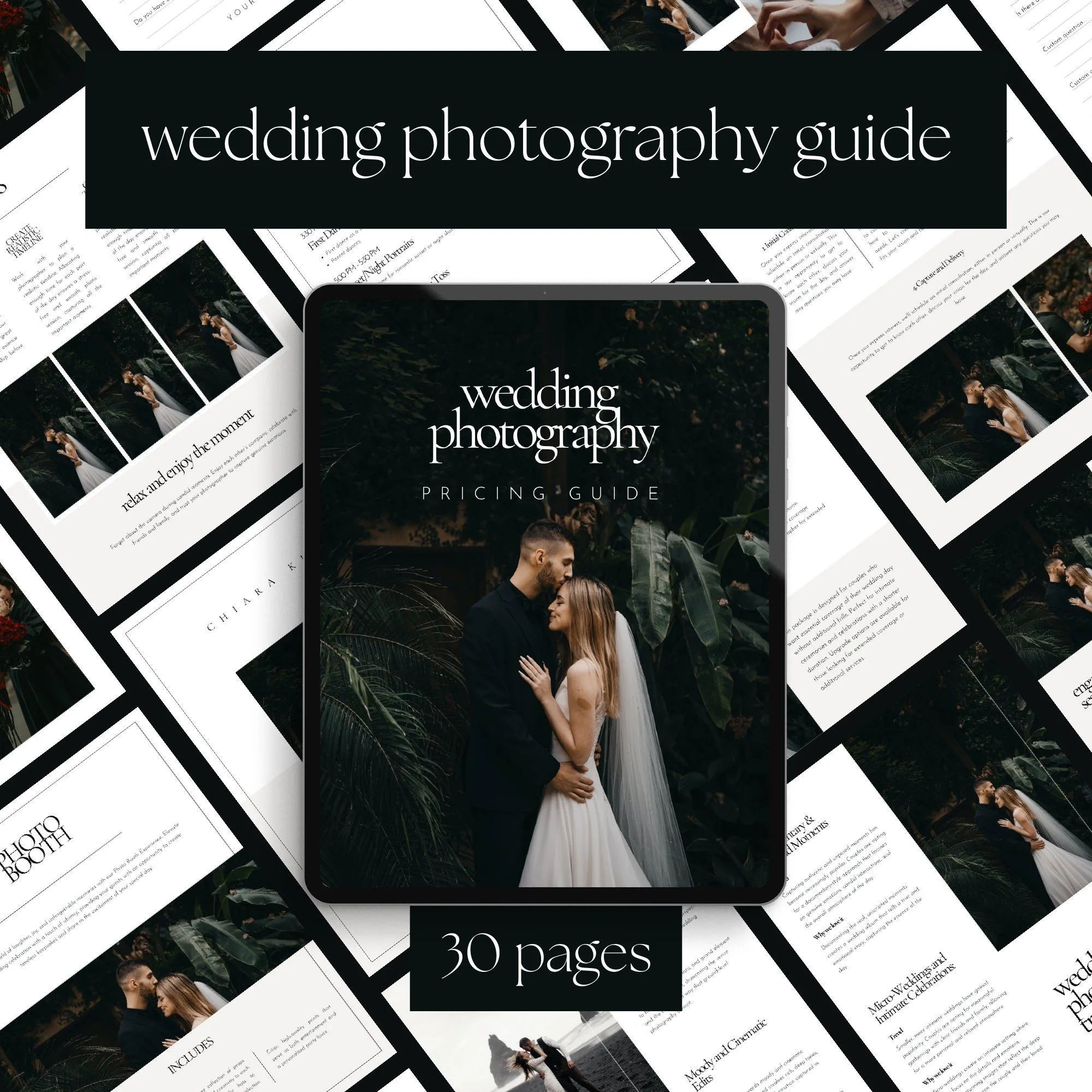
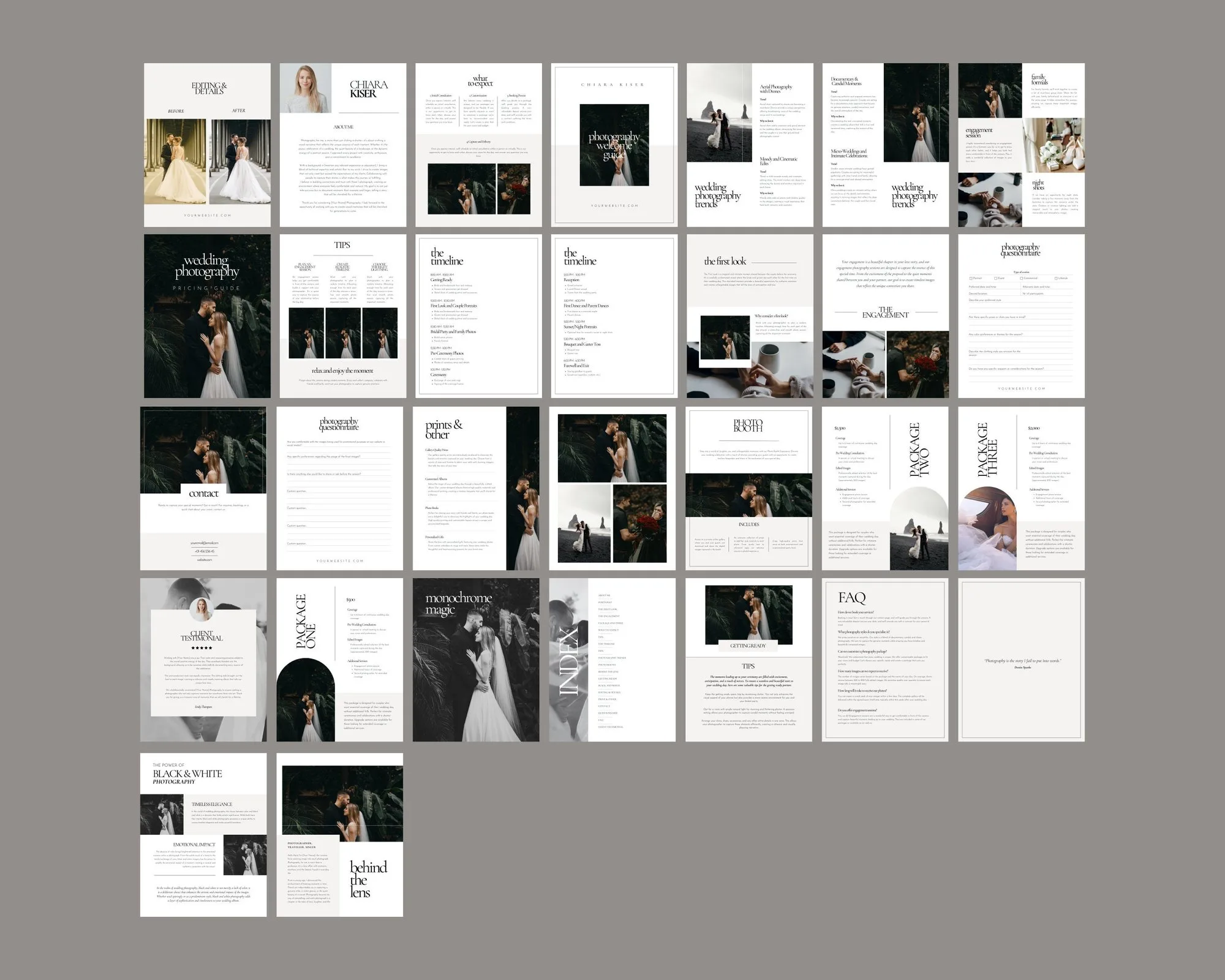
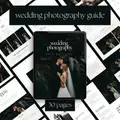
A 30-page client welcome guide that presents your packages, process and portfolio beautifully – so couples book with confidence.
$17.00
This template will be available here very soon.
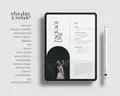
A PDF with your Canva template link. Edit the guide in Canva, then send it to clients as a PDF or share a view-only link.
Digital product – nothing will be shipped. Personal use license (details).
Couples see what's included, how it works and why you – before they ever ask about price.
The FAQ, process and questionnaire pages answer the questions you type every week.
Swap in your photos, logo, fonts and colours in a free Canva account.
When a couple enquires, they want to know three things: what you offer, how it works and whether you’re “their” photographer. A good wedding photography pricing guide answers all three before the first call – and makes a quote feel like the obvious next step.
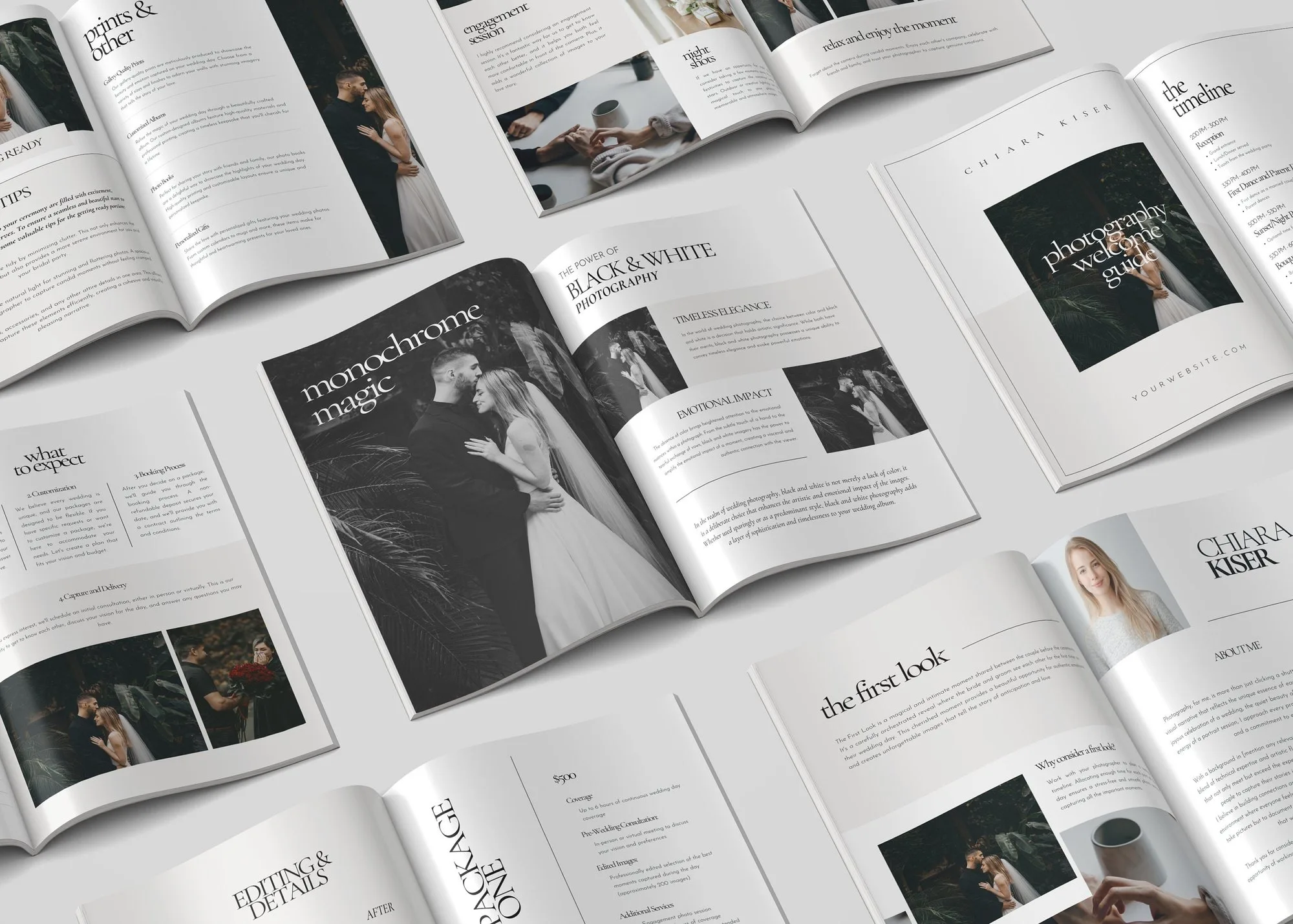
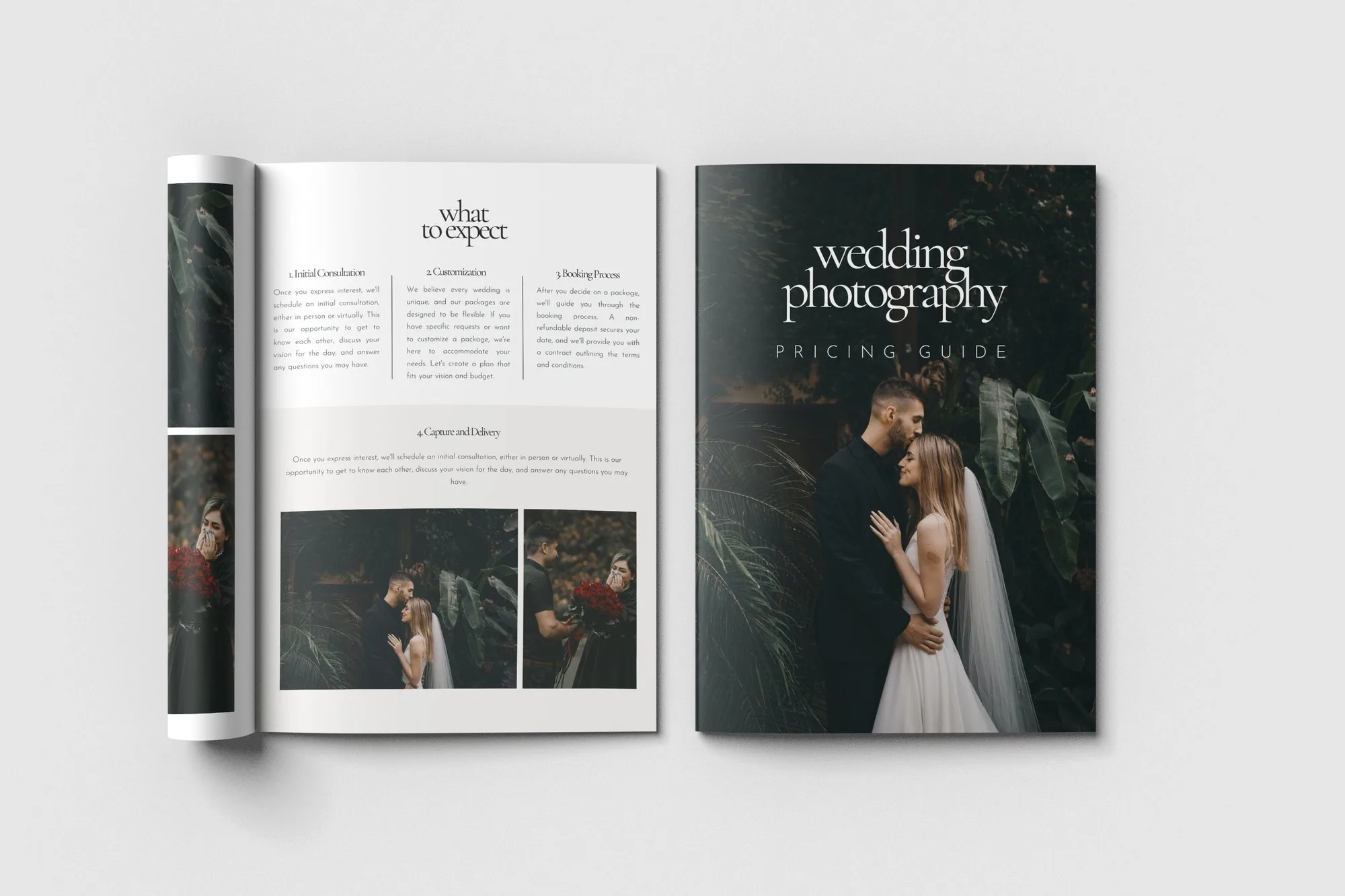
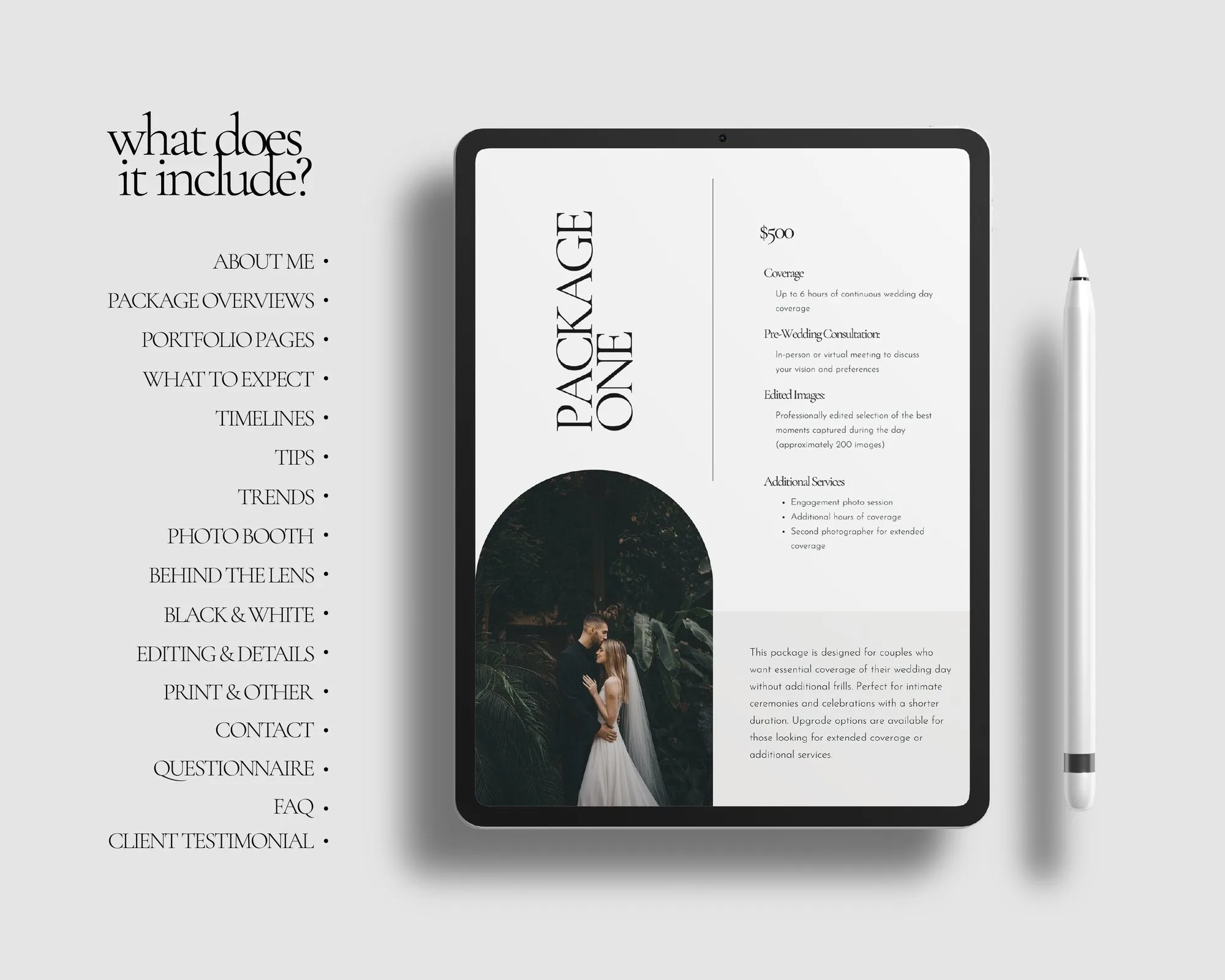
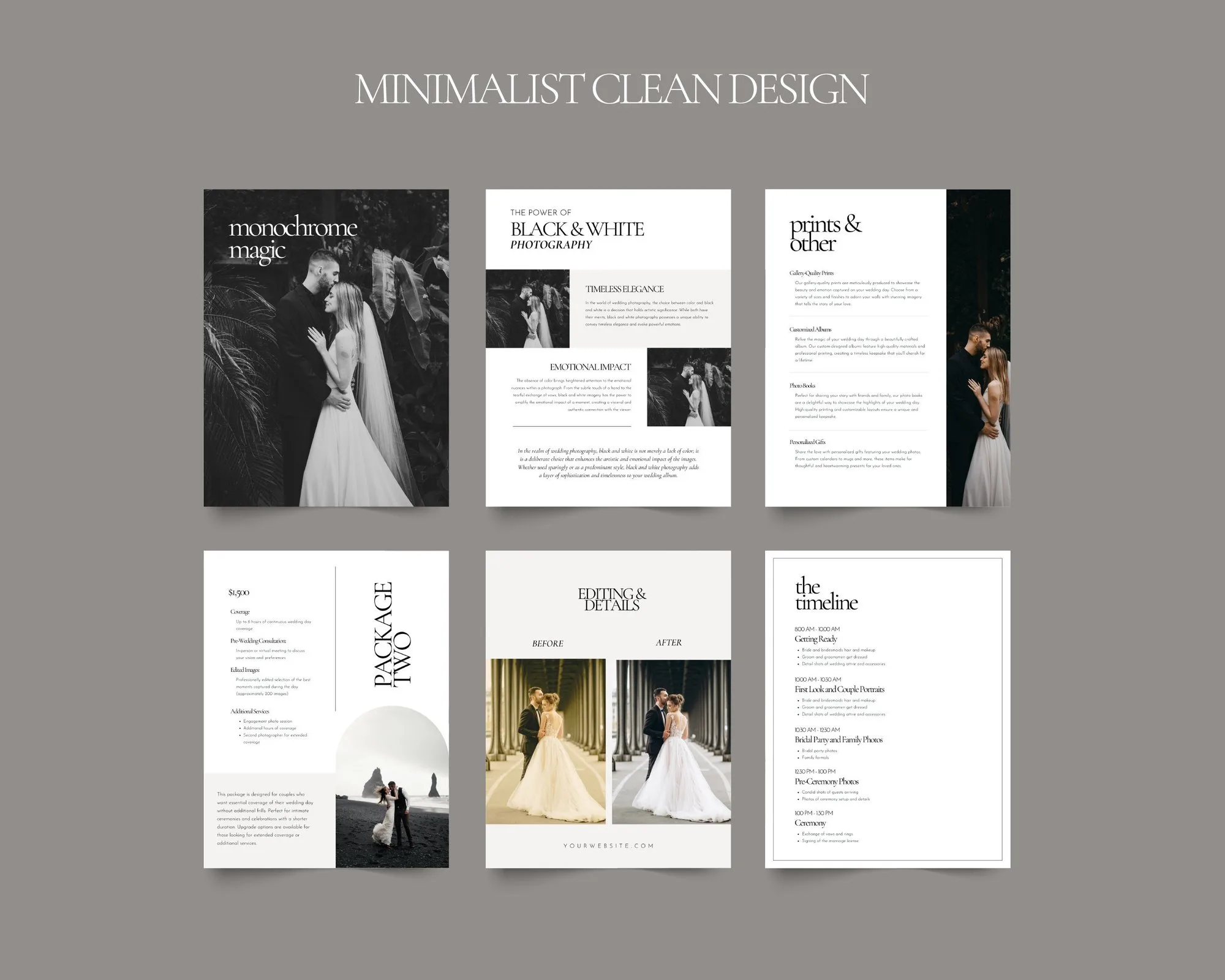
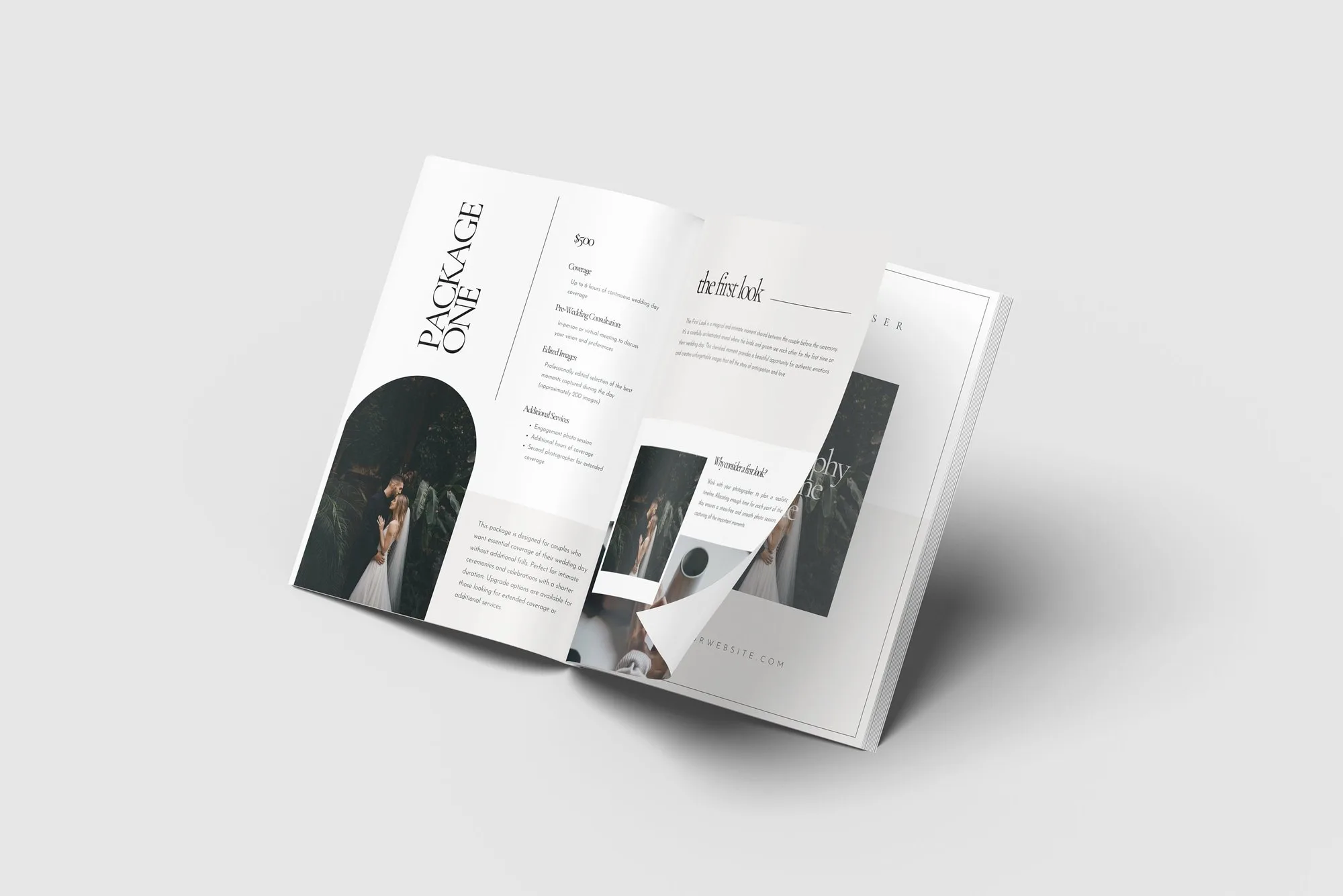
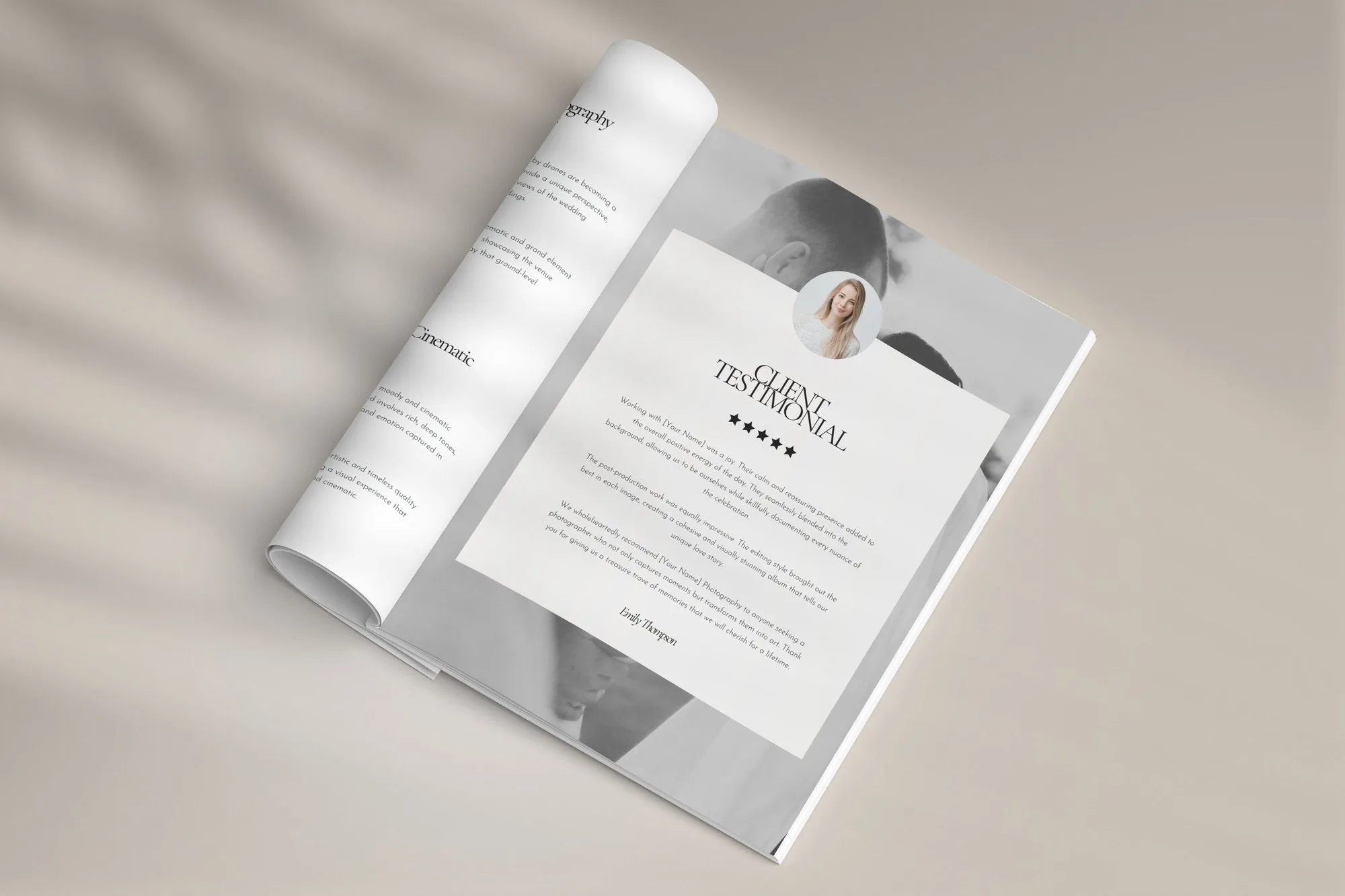
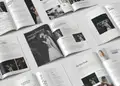
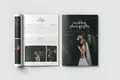
This 30-page Canva template is laid out in the order couples read: a warm welcome, who you are, your packages, what the experience looks like, your work, what past clients say, and how to book.
The dark, editorial layout lets your images do the talking. Change it to light, neutral or bold colours in a few clicks – everything is editable in a free Canva account, and you can add or remove pages as your business grows.
It's written for weddings, but every text is editable – many buyers adapt it for elopements, engagement, family or boudoir sessions.
Yes, send the finished PDF to as many of your own clients as you like.
Right after payment you get a download page and an e-mail with your links. A PDF with your Canva template link. Edit the guide in Canva, then send it to clients as a PDF or share a view-only link.
Because the files are delivered instantly, digital downloads can’t be returned. If anything is wrong with your files, write to us and we’ll fix it or refund you – promise.