
Google Sheets · Excel
Couples Budget Spreadsheet – Google Sheets & Excel
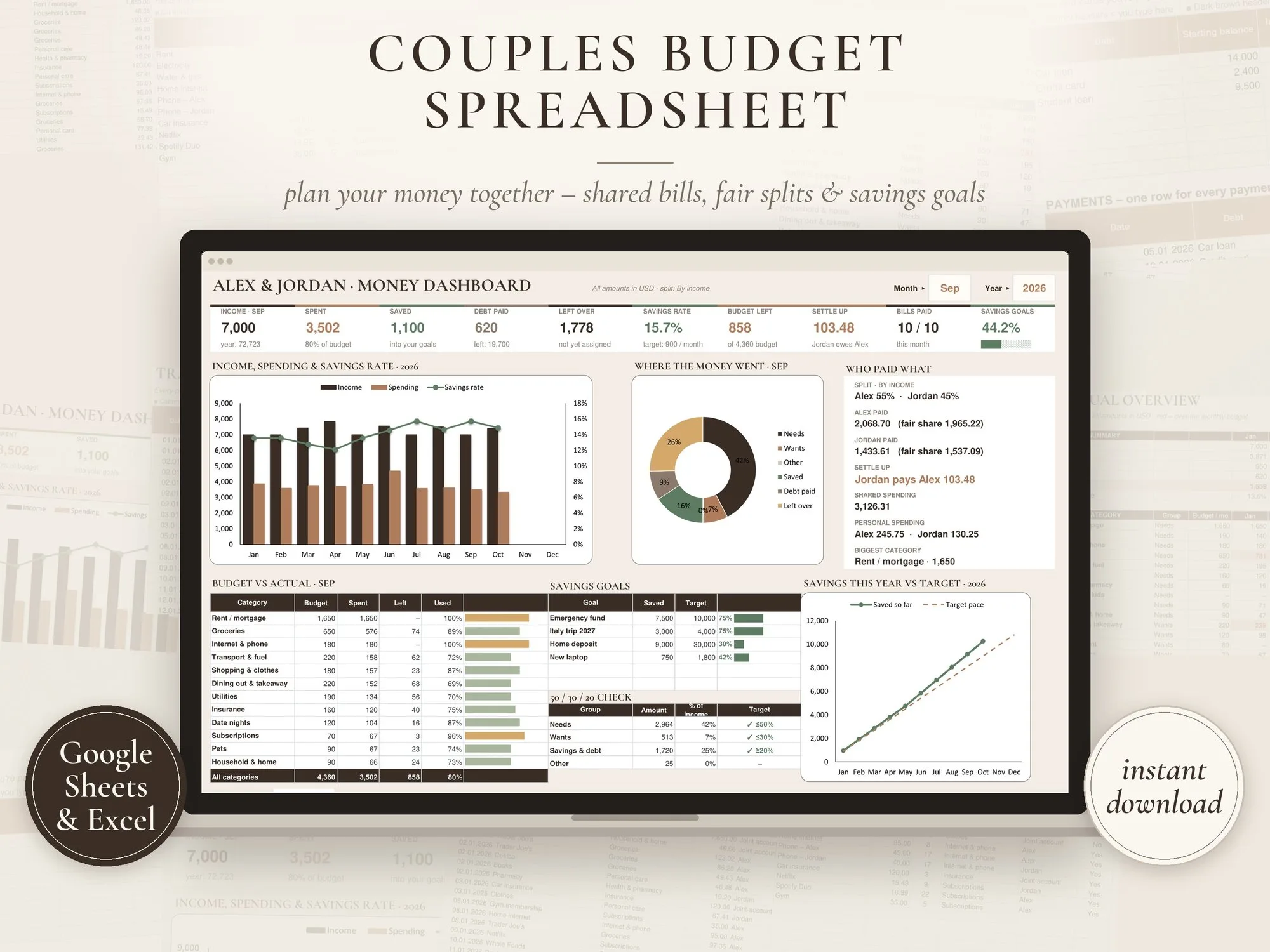
Plan your money together – shared and personal spending, a fair split by income, bills, savings goals and debt, all on one dashboard.
$12.99
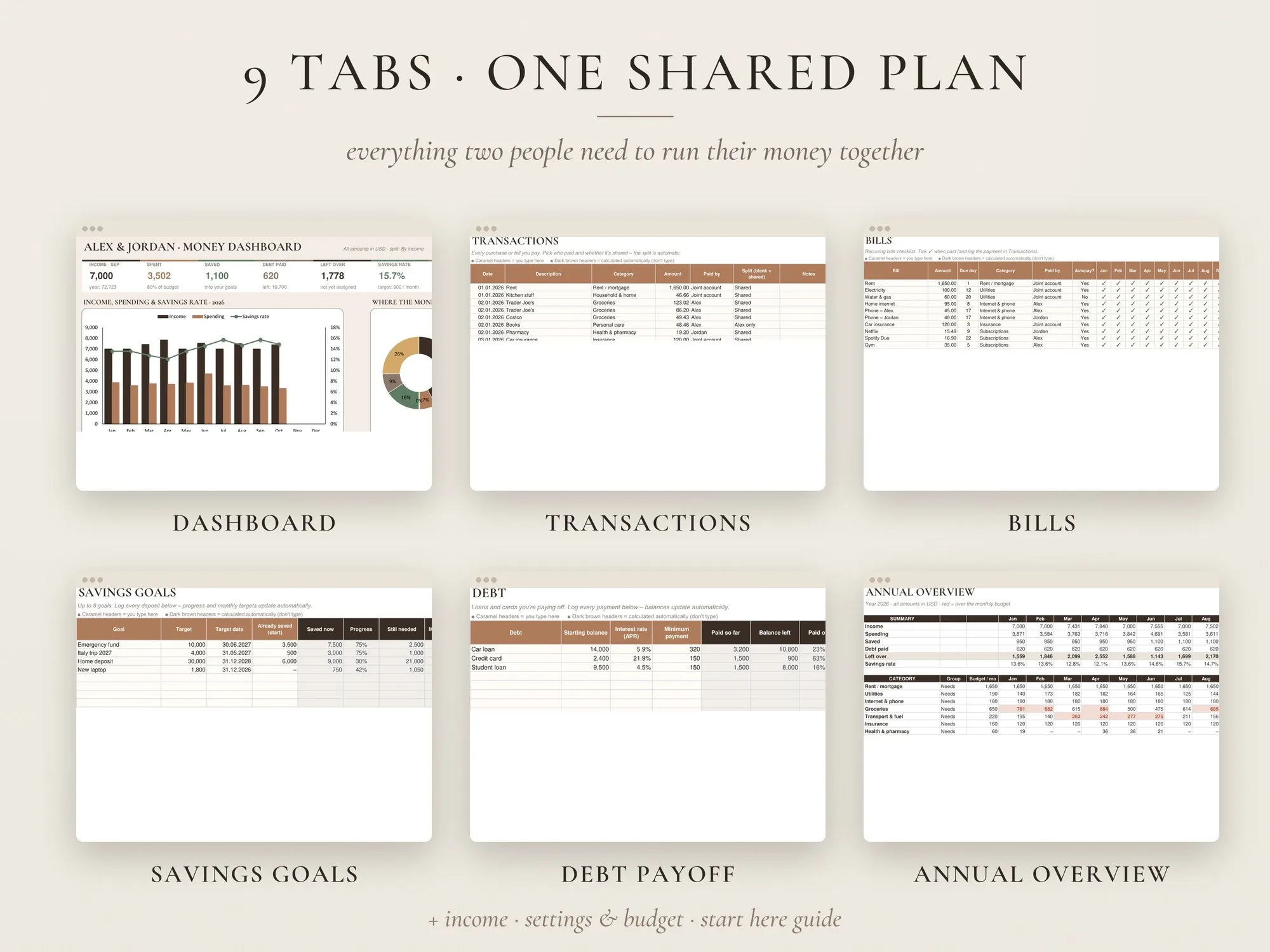
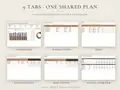
- Size9 tabs
- Edit withGoogle Sheets (free), Microsoft Excel 2010+
- DeliveryInstant digital download
What you’ll receive
A START HERE PDF with your Google Sheets "make a copy" link, plus the Excel file and an EXAMPLE version with demo data.
Digital product – nothing will be shipped. Personal use license (details).
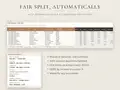
Fair split, automatically
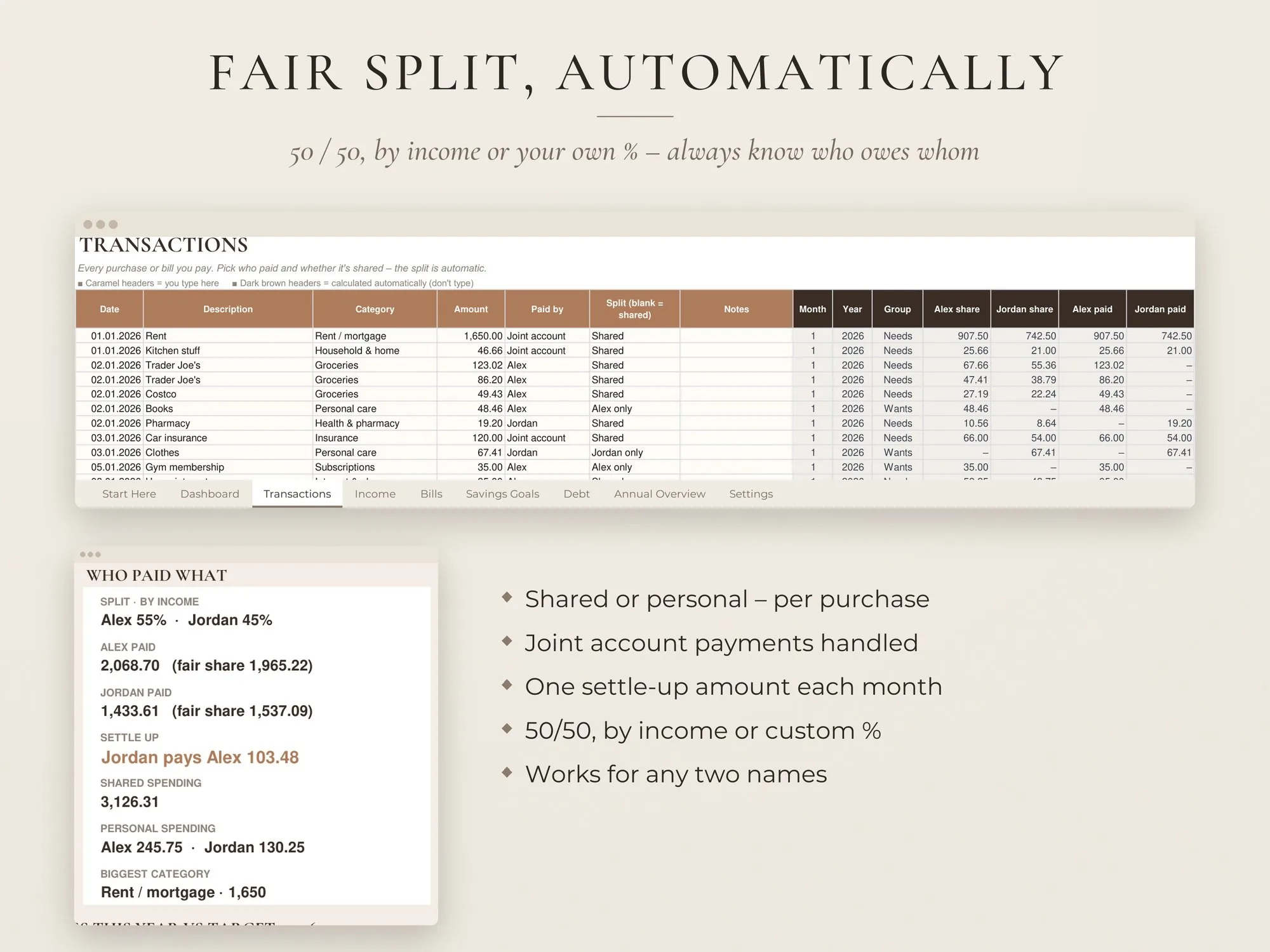
Split shared costs 50/50, by income or by your own % – the sheet tells you who owes whom.
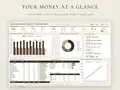
One-screen dashboard
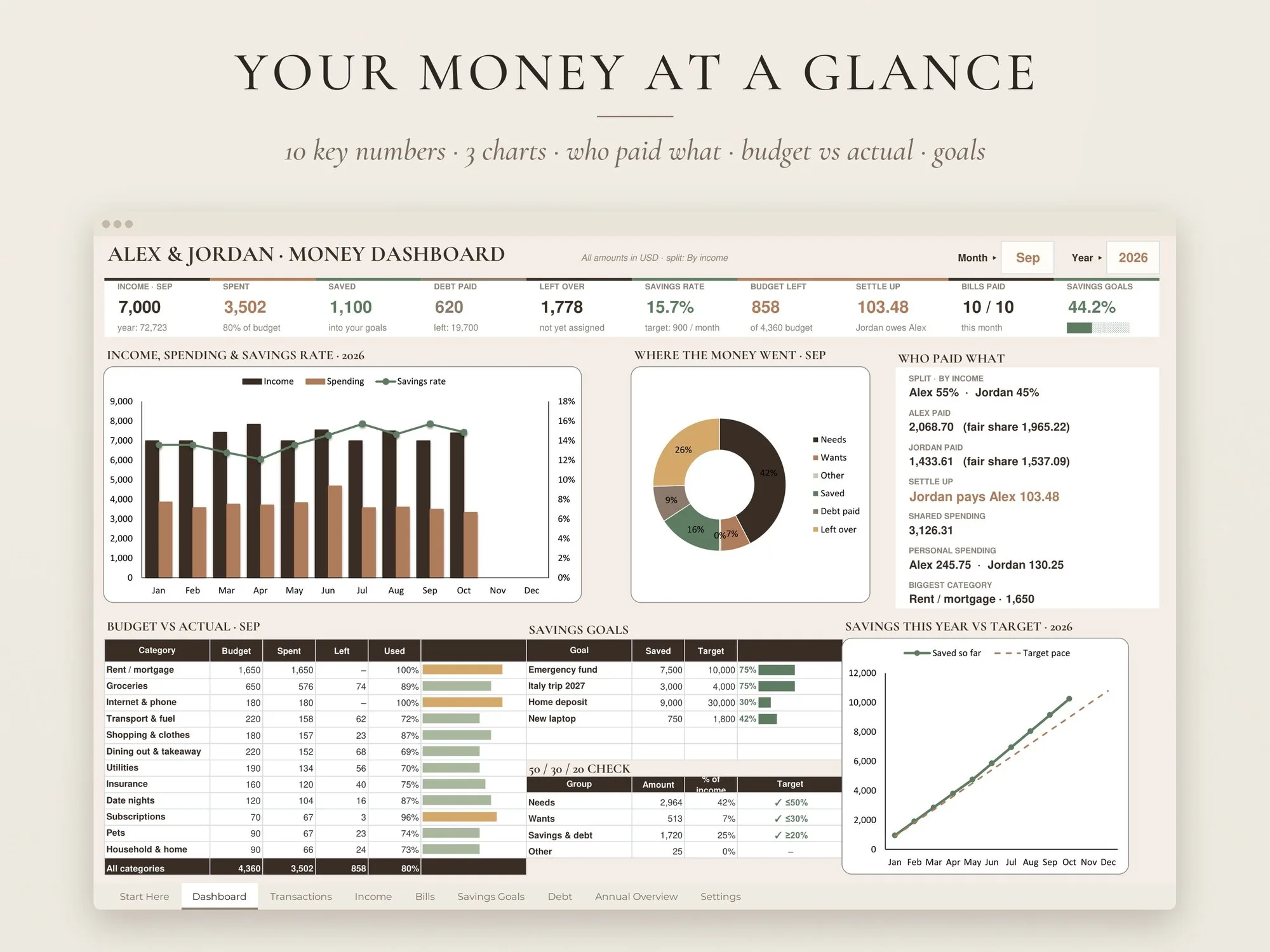
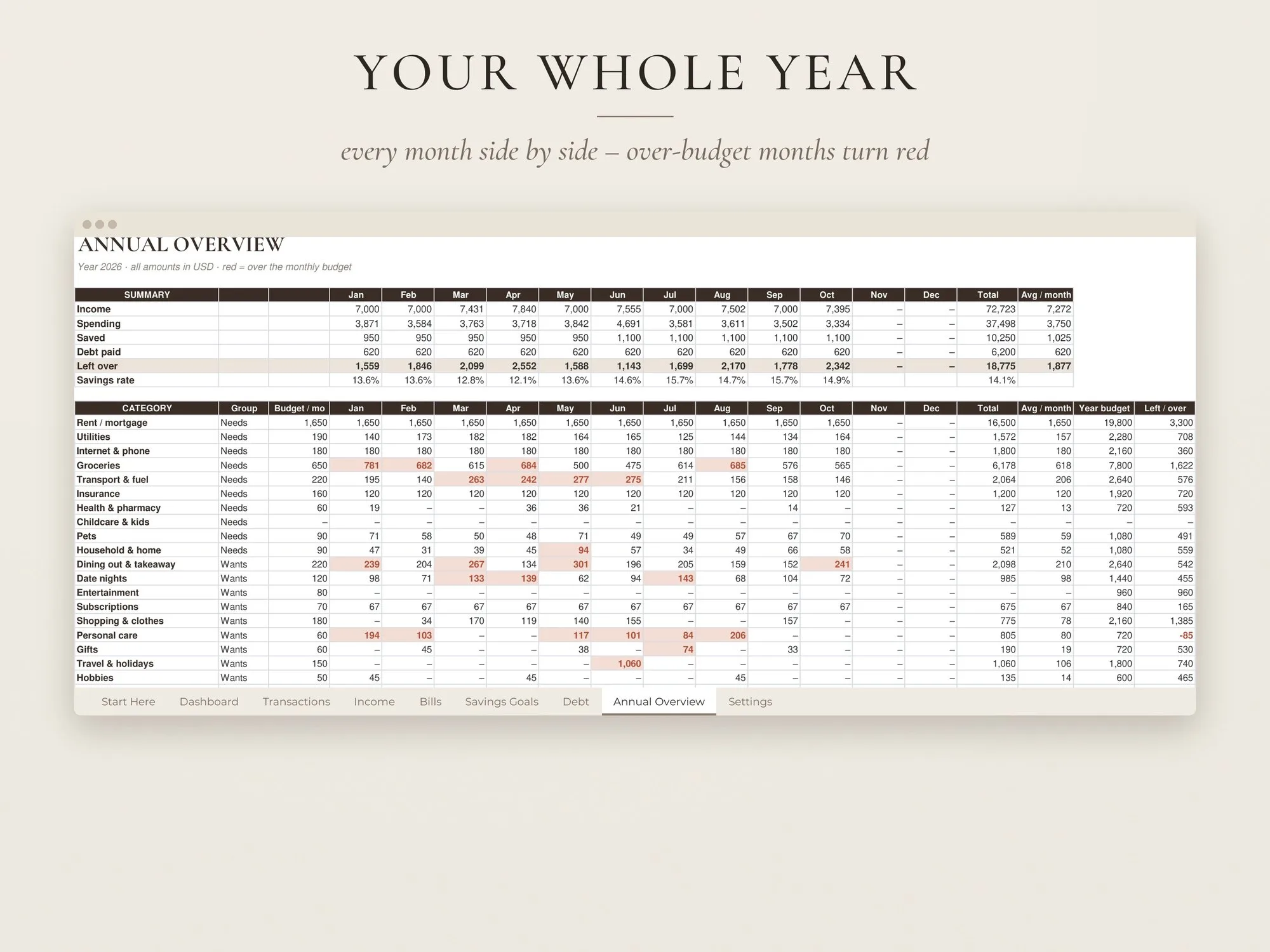
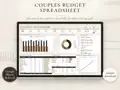
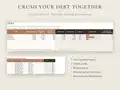
Income, spending, savings rate, budget left and goals at a glance, with three charts.
Edit together
Share the Google Sheet with your partner and update it from both phones.
Budgeting as a team – without the awkward maths
“Who paid for groceries?” “Did we pay the internet bill?” “How much do I owe you?” This couples budget spreadsheet answers those questions automatically, so money talks become five-minute check-ins instead of arguments.
How the fair split works
Log a purchase, choose who paid and whether it was shared or personal. Pick your split method in Settings – 50/50, by income, or a custom percentage – and the spreadsheet calculates each partner’s fair share and the monthly settle-up amount. Payments from a joint account are handled too.
A dashboard you’ll actually open
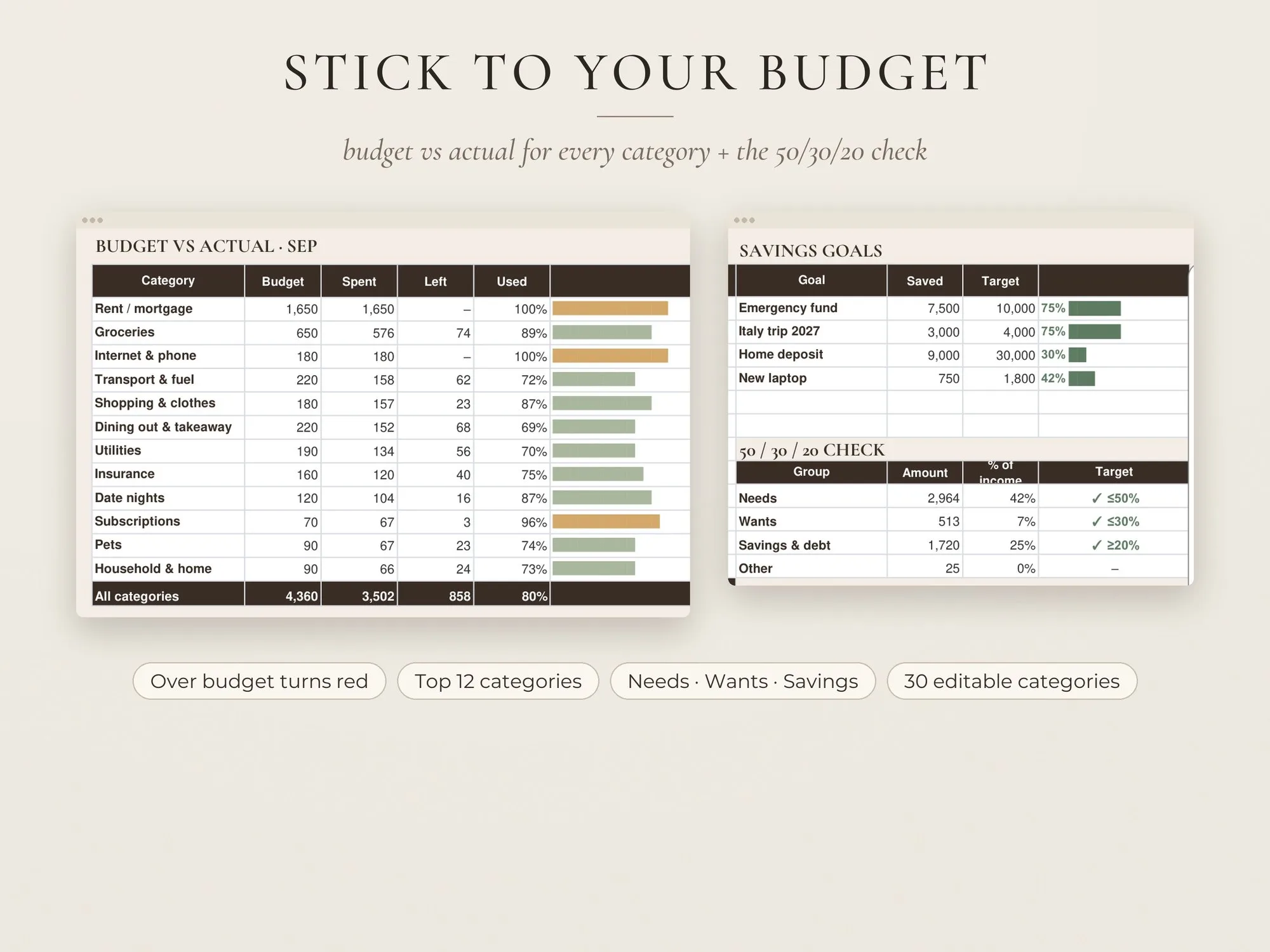
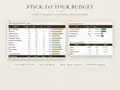
The dashboard shows your month on one screen: income, spending, savings, debt paid, what’s left, your savings rate, budget left, settle-up, bills paid and goal progress. Three charts show income vs spending, where the money went and your savings vs target. Budget vs actual bars, savings goals and a 50/30/20 check sit underneath.
Built to last
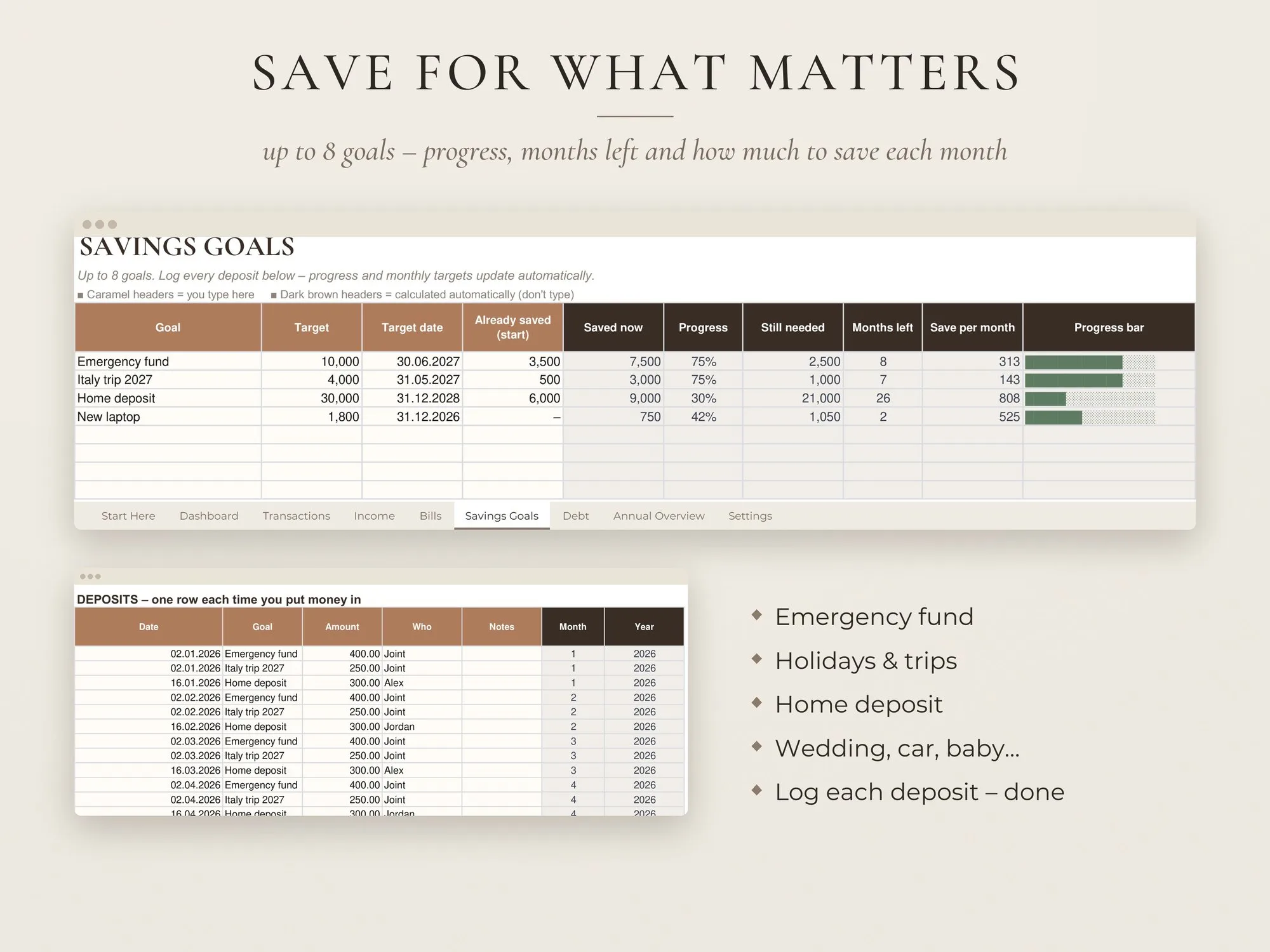
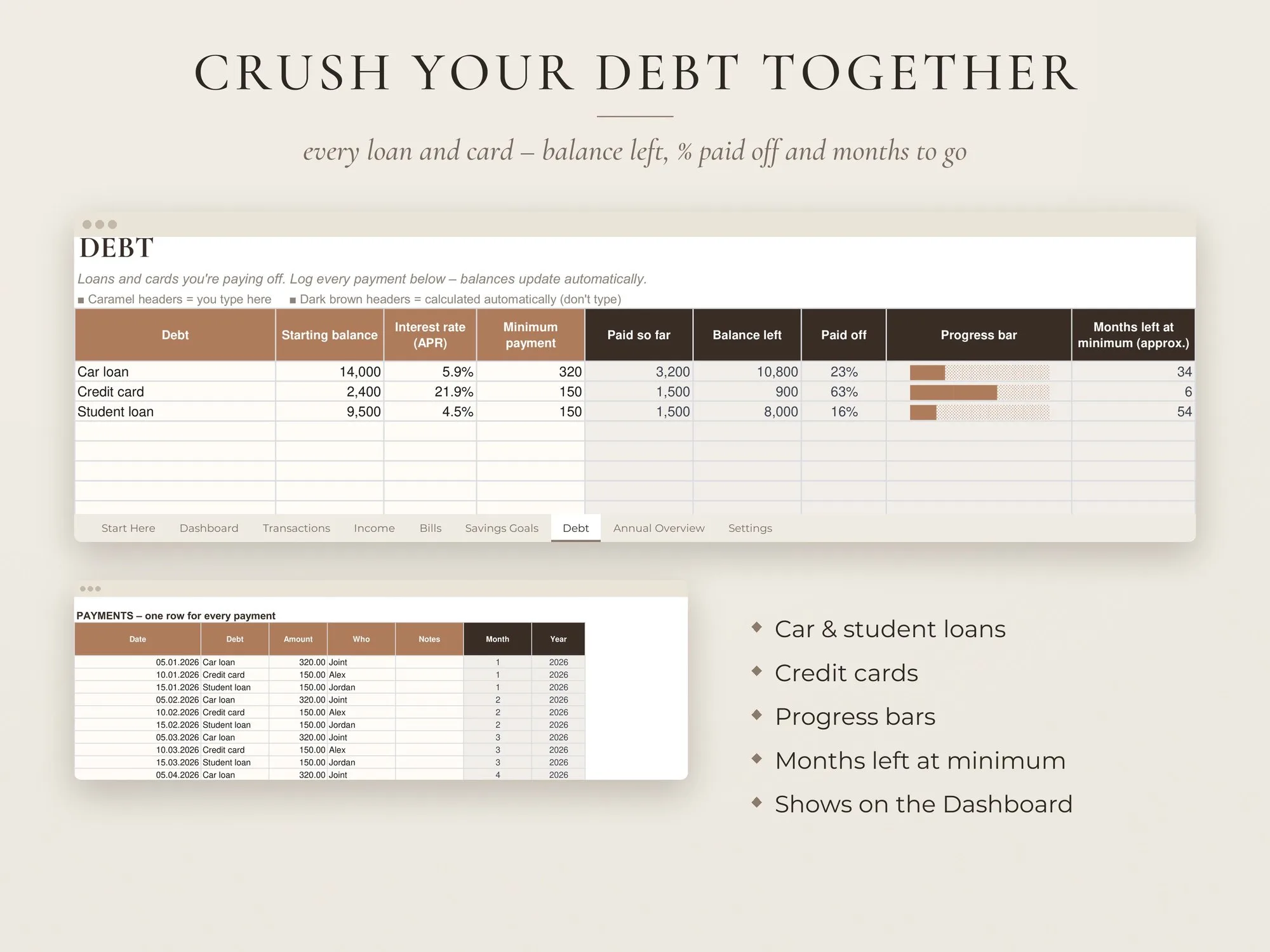
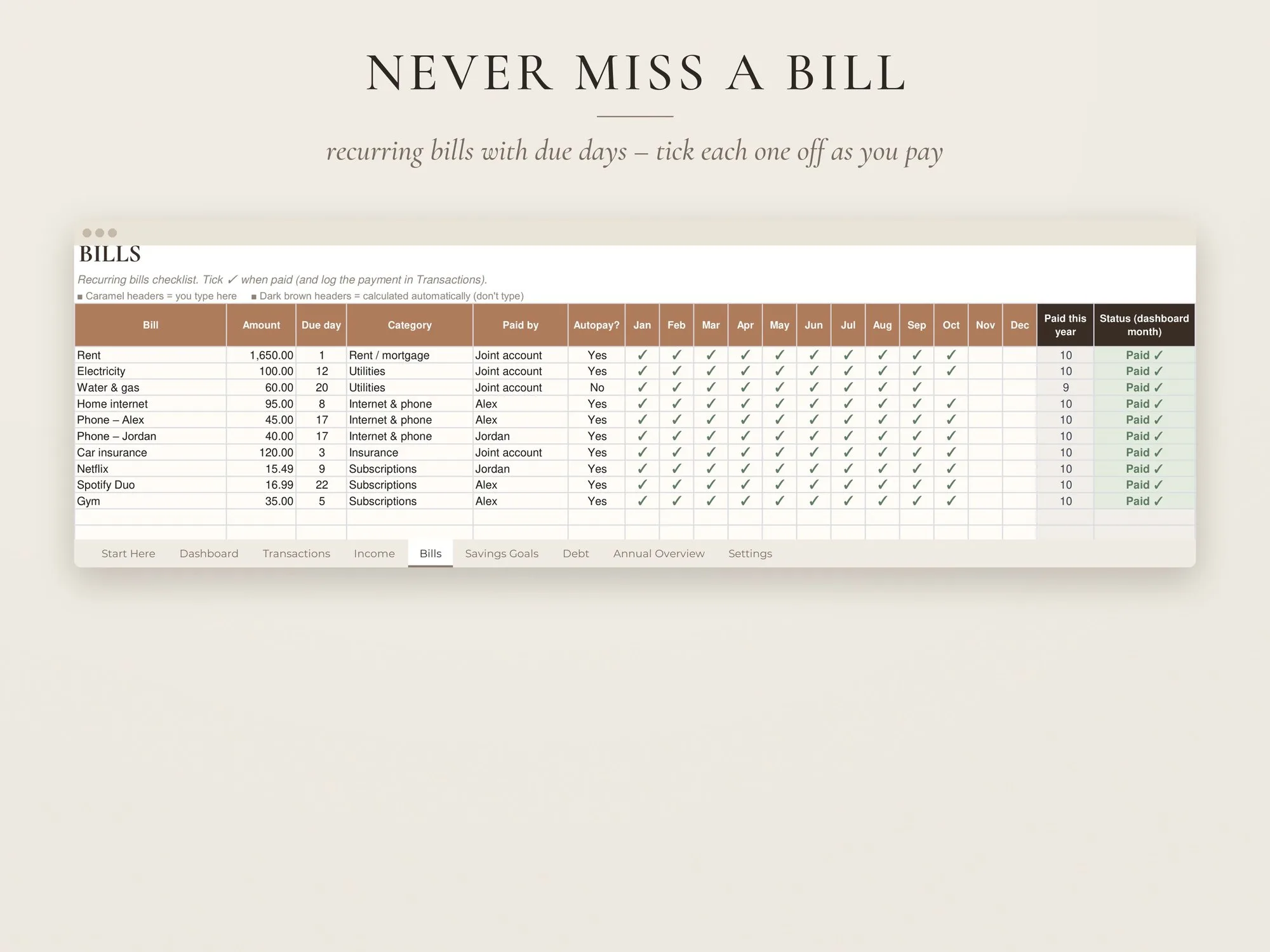
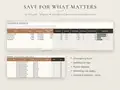
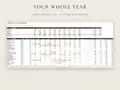
Room for 2,000 transactions, 8 savings goals, 8 debts and 30 bills, with a month and year picker so you can keep using it year after year. Works in free Google Sheets and Excel 2010+, in any currency, with no subscription.
This spreadsheet is a budgeting tool, not financial advice.
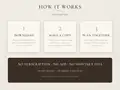
How it works
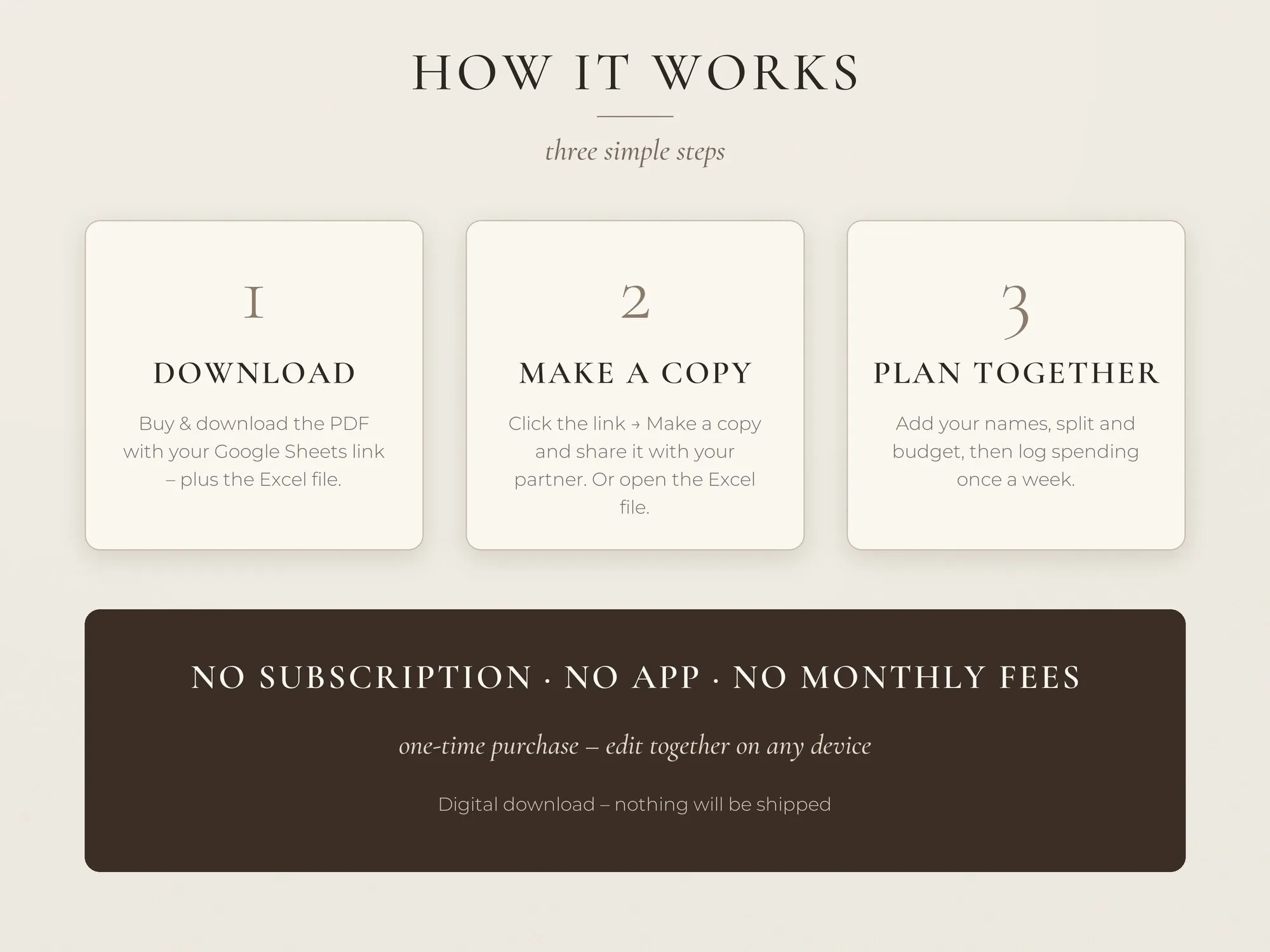
- Buy & download. Your files are ready the moment payment goes through – on screen and in your inbox.
- Personalise. Open the template link or file and make it yours: names, colours, photos, numbers.
- Print or share. Print at home or at a print shop, send it as a PDF or keep it digital.
Questions & answers
Does it work on a phone?
Yes, the Google Sheets app works on phones for logging transactions. The dashboard is best viewed on a laptop or tablet.
What if we keep separate and joint accounts?
That's exactly what it's built for. Mark each transaction as shared or personal and choose who paid – joint-account payments are handled automatically.
How do I receive my files?
Right after payment you get a download page and an e-mail with your links. A START HERE PDF with your Google Sheets "make a copy" link, plus the Excel file and an EXAMPLE version with demo data.
Can I get a refund?
Because the files are delivered instantly, digital downloads can’t be returned. If anything is wrong with your files, write to us and we’ll fix it or refund you – promise.